Integrating simulators with ASE

To quickly integrate simulators (e.g., XTB, ABINIT, BigDFT, LAMMPS, etc.) and use them in Python within SAMSON, you can use the Atomic Simulation Environment (ASE) package. This allows you to perform interactive and scripted calculations, simulate chemical reactions, etc. More…

Importing and exporting molecules in Python
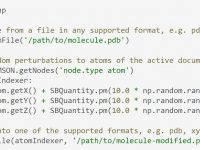
To import and export molecules in a wide range of supported formats in SAMSON, use the importFromFile and exportToFile functions. Combine this with the getNodes function to quickly find atoms, residues, chains, binding sites, etc. and compute properties, edit molecules,…

Creating replicas of structures

To create replicas of structures using SAMSON’s Python API, call their clone() function. You can then programatically edit these structures. The example below shows how to start from a single nanotube to create a model of a nanotube “fabric” through…

Accessing the data graph in Python

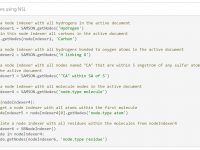
To efficiently manipulate nodes (atoms, bonds, side chains, molecules, etc.), use node indexers returned by the SAMSON.getNodes function applied to a Node Specification Language (NSL) expression. For example, SAMSON.getNodes(‘node.type atom’) returns an indexer containing all atoms in the active document.…
Create molecules using Python

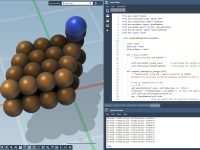
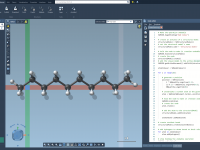
To create molecules, Python bindings give you access to all modeling capabilities from SAMSON’s C++ core. Add atoms, bonds, molecules, crystals, automatically find covalent bonds, add hydrogens, etc., and minimize. All in a few lines. Use the Code Editor to…

Triggering GUI commands using Python

To trigger any GUI command in Python, call the SAMSON.runCommand function on the command name. Use this directly in the Python console (Ctrl / Cmd + 8), or in Python scripts to automate tasks using the Code Editor (Ctrl /…

Creating Python Apps with GUIs

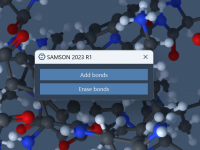
To create a Python app with a GUI, use PySide to add widgets and connect their signals (“clicked”, etc.) to slots (Python functions). Here is the complete code (65 lines) of a simple app with two buttons to add and…