



Carbon nanotubes (CNTs) are at the forefront of innovations in molecular transport, drug delivery, and nanoelectromechanical systems. But for molecular modelers, designing and customizing these fascinating nanostructures can be a daunting task. What if we told you that SAMSON’s Nanotube Creator Extension simplifies this process, enabling the creation of single- and multi-walled CNT models in just a few clicks?
Read on to discover how to tackle one of the most common challenges in CNT modeling: generating precise and customizable structures for your research with minimal effort.
Two Efficient Methods for Building Nanotubes
1. Interactive Viewport Building
The Nanotube Creator provides an intuitive, interactive method where you can build CNTs directly within the viewport. This approach is particularly useful when you need a quick, hands-on way to define parameters. Here’s how it works in just two steps:
- Define the axis and length (n parameter): Simply press and drag the left mouse button in the viewport to set the orientation and length of the nanotube. During this process, the status bar will provide real-time feedback on length values and axis orientation:

- Adjust the radius (m parameter): Release the mouse button, then move your mouse to adjust the radius of the nanotube. Once you’re satisfied, click the left mouse button again to confirm:
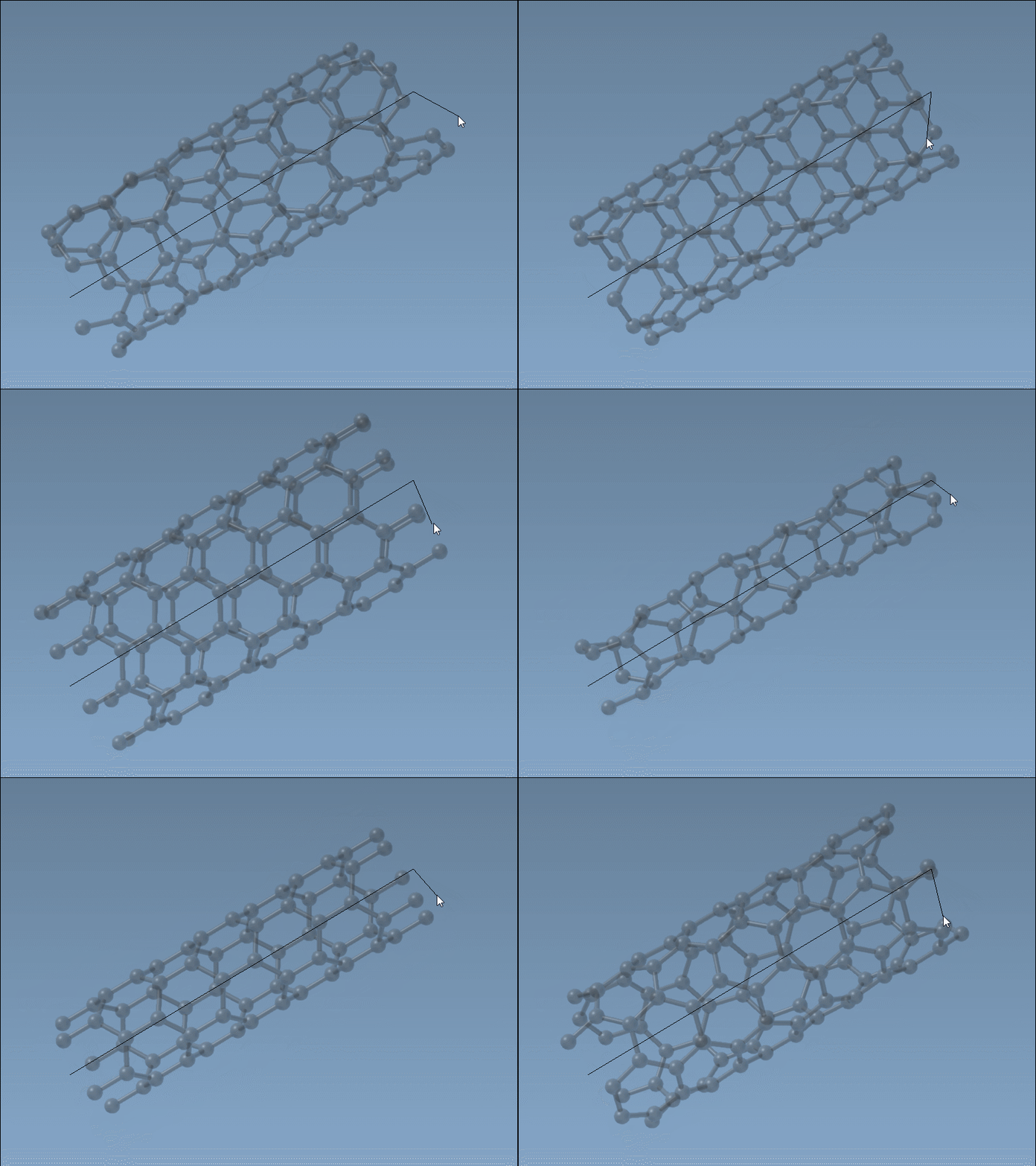
Interactive building is perfect for crafting CNTs with precision. Don’t forget to keep an eye on the status bar when fine-tuning n and m values!
2. Graphical Interface for Fine-Tuned Control
For those who prefer more control over the modeling process than what the viewport provides, the Nanotube Creator also offers a dedicated graphical interface (GUI). By activating the editor, you gain access to a panel where you can customize the nanotube’s geometry with precision, including:
- Start and end positions: Define the axis and positions in 3D space.
nandmvalues: Specify the chiral vector for the CNT structure and radius.
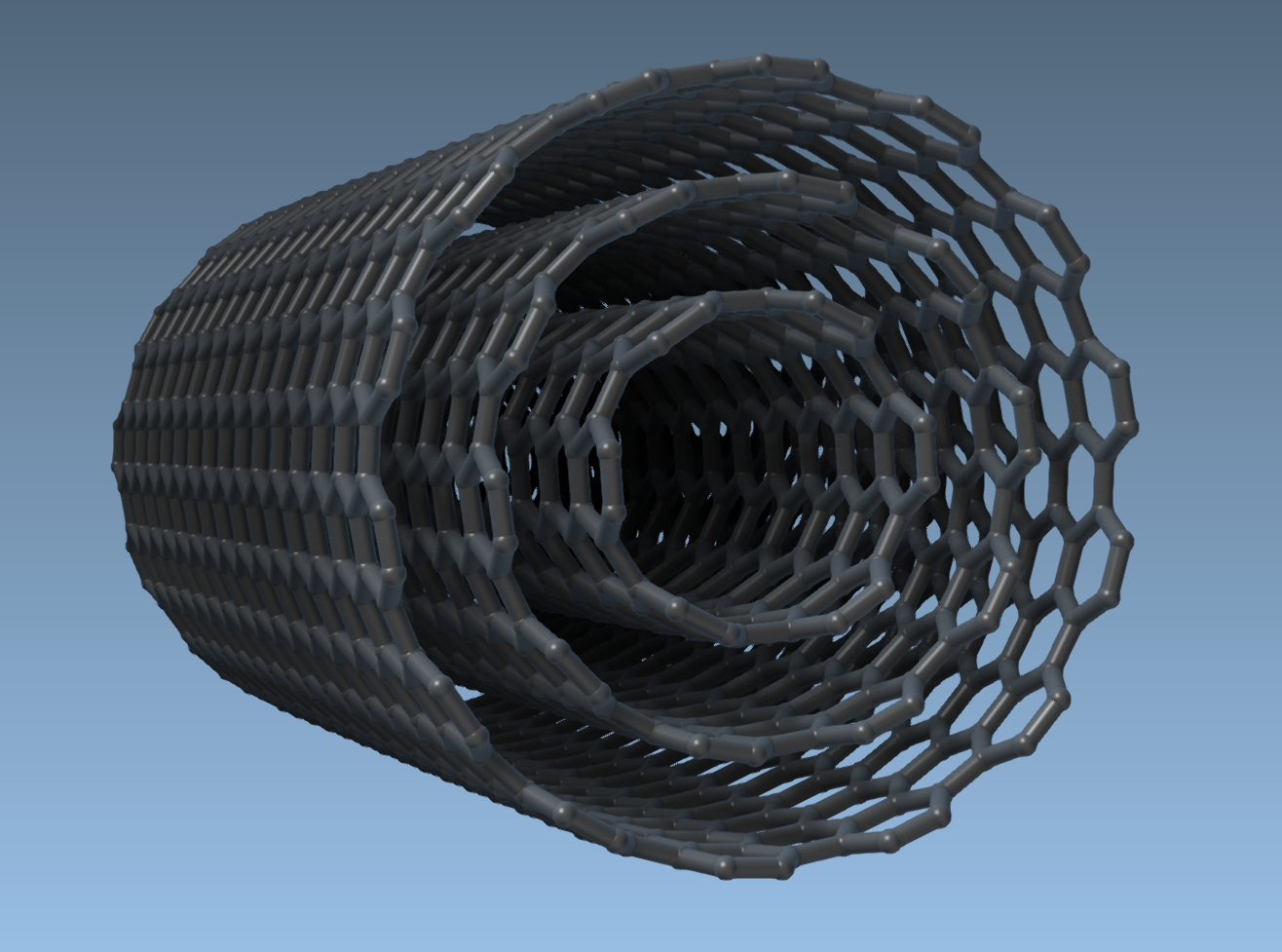
When using the graphical interface, you can easily generate single-walled or multi-walled CNTs by iteratively modifying parameters with precision. For instance, the example below demonstrates how to create a multi-walled nanotube:
- Set the start/end positions to
(0, 0, 0)and(40, 0, 0)for a CNT of length 40 Å along the x-axis. - Build a first CNT with
n = 6andm = 6. Click Build. - Adjust the parameters to
n = 10,m = 10, and build the second CNT. - Repeat the process with
n = 14,m = 14for the outermost CNT.
Here’s the resulting multi-walled nanotube model for reference:
The Key to CNT Modeling Efficiency
By using the Nanotube Creator in SAMSON, you can save significant time and effort while building highly customizable CNT models for a multitude of applications, such as molecular transport simulations, electronic property studies, or drug delivery modeling. Whether you prefer interactive adjustments or fine-tuned parameter control, this extension provides the flexibility you need.
Want to explore all the details on how to streamline your carbon nanotube modeling workflow? Visit the official documentation page here.
Note: SAMSON and all SAMSON Extensions are free for non-commercial use. Download SAMSON at https://www.samson-connect.net.