



For molecular modelers, identifying conserved residues, assessing structural variations, or comparing similar protein conformations is often a key step in achieving meaningful results. But how can you streamline these analyses without toggling between multiple tools? That’s where SAMSON’s Protein Aligner shines. This advanced feature enables you to align protein sequences and structures effortlessly during a single workflow. Here’s how it can alleviate some common modeling challenges.
What Is Protein Alignment, and Why Does It Matter?
Protein alignment serves several purposes depending on your goals. Whether you aim to pinpoint conserved residues crucial to a protein’s function, compare the conformations of homologous proteins across species, or use alignments for accurate homology modeling, aligning proteins forms the backbone of many molecular modeling workflows.
Moreover, a tool like SAMSON not only helps you align protein structures but seamlessly integrates this alignment with visualization and interactive tools. This reduces tedious manual steps, leading to more focused insights.
How to Get Started
Before beginning, prepare your protein structures with SAMSON’s Protein Preparation & Validation workflow if they contain unneeded solvent or ligands. Clean data saves time during alignment.
In the following walkthrough, we’ll align two hemoglobin proteins (1DLW and 1RTX) to highlight structural similarities and conserved regions:
- Go to Home > Fetch in the SAMSON interface.
- Enter the PDB IDs “1DLW” and “1RTX”.
- Click Load to load them into the workspace.

Using Protein Aligner for Superposition
Once you’ve fetched your structures, access the Protein Aligner via Home > Align. The user-friendly interface makes structural and sequence alignment intuitive. To align entire structures:
- Ensure no residues are selected in the interface.
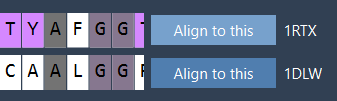
- In the Protein Aligner, click Align to this for the reference model (e.g.,
1DLW).
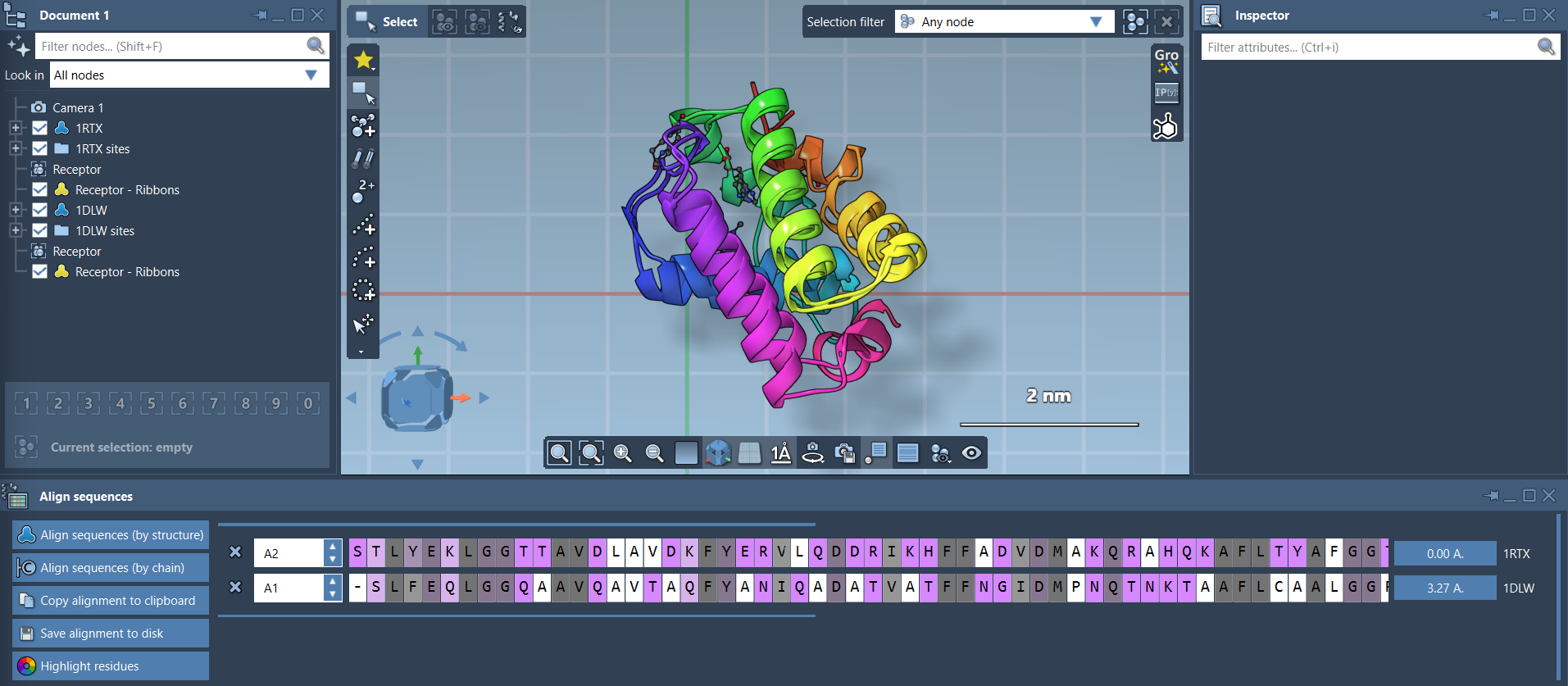
Once aligned, the system will provide a Root Mean Square Deviation (RMSD) score to quantify the structural differences. For instance, the proteins pictured above have a calculated RMSD of 3.27 Å.
Refining Alignment with Specific Regions
Sometimes, focusing on specific regions within your protein may be necessary (e.g., particular alpha-helices or domains). With Protein Aligner, you can align structures based on selected sequences:
- Select residues of interest in both reference and target proteins (use Shift/Ctrl for multiple selections).
- Click the alignment button next to the selected region (e.g., the RMSD button).
This approach is ideal for fine-tuning when global superposition doesn’t perfectly align secondary structures.

Next Steps
Once the alignments are complete, you have several options to proceed:
- Export the aligned structures and sequences for advanced homology modeling workflows.
- Map conserved residues to potential ligand-binding sites to assist molecular design or drug discovery efforts.
- If working with more complex assemblies, replicate the process with additional chains or homologous proteins.
Ready to refine your protein design workflows and learn more about Protein Aligner? Visit the official documentation page for detailed instructions and tips.
SAMSON and all SAMSON Extensions are free for non-commercial use. Download SAMSON today at samson-connect.net.