



When working on molecular design in SAMSON, achieving an optimized geometry is not just a step; it’s a cornerstone for obtaining robust simulation results. Among various tools available, the FIRE Minimizer stands out for its efficiency, particularly when tackling large-scale molecular motions. However, the dynamism of molecular systems means you may encounter moments when resetting the minimizer history becomes essential. If you’re curious about what this means and how it can enhance your workflow, keep reading!
What is Minimizer History?
The FIRE Minimizer operates by iterating and reducing the energy of a molecular system. During this process, it maintains a history of its optimization, which acts as a memory for adjustments and progress. However, manual modifications to the system—like moving atoms interactively—can lead to inconsistencies in this history. In such cases, the optimization process may not function as effectively, or it could even stabilize on incorrect assumptions.
Why Should You Reset It?
There are certain situations where clearing the history is not just useful but necessary:
- Manual Interventions: After you’ve manually adjusted the position of atoms during the optimization process, the minimizer may operate under outdated assumptions.
- Stalled Optimization: When convergence slows down for unclear reasons, resetting the history gives the algorithm a clean slate to work from.
- Experimenting With New Parameters: If you’ve changed the FIRE settings and wish to observe their impact more accurately, the history from the older configuration could interfere.
Resetting the History: A Quick Guide
Resetting the history in SAMSON is extremely simple and can save you a lot of time during geometry optimization. Here’s how to do it:
If you notice the optimization behaving oddly, simply press the Reset button in the FIRE Minimizer’s settings interface. This action clears the previous optimization record and realigns the process with the current molecular state.
Benefits of Resetting
FIRE reset prevents the optimizer from ‘hanging onto’ outdated information and ensures that it can adjust to significant changes you’ve introduced into the system. By doing so, the pathway to an optimized geometry becomes smoother, potentially speeding up convergence while avoiding detours caused by old data.
Visualizing Optimization Progress
For a more vivid insight into FIRE in action, take a look at the images below:
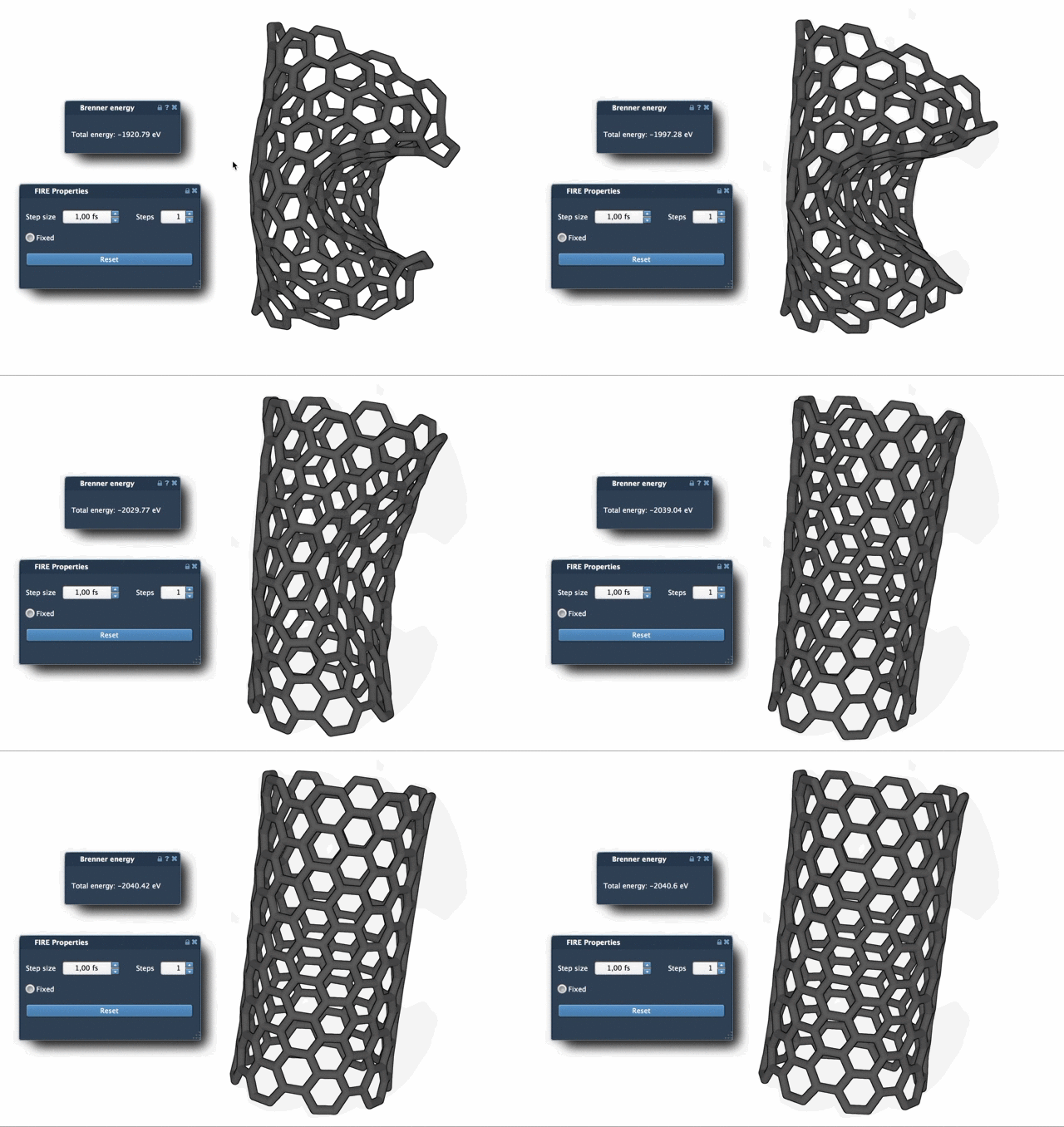
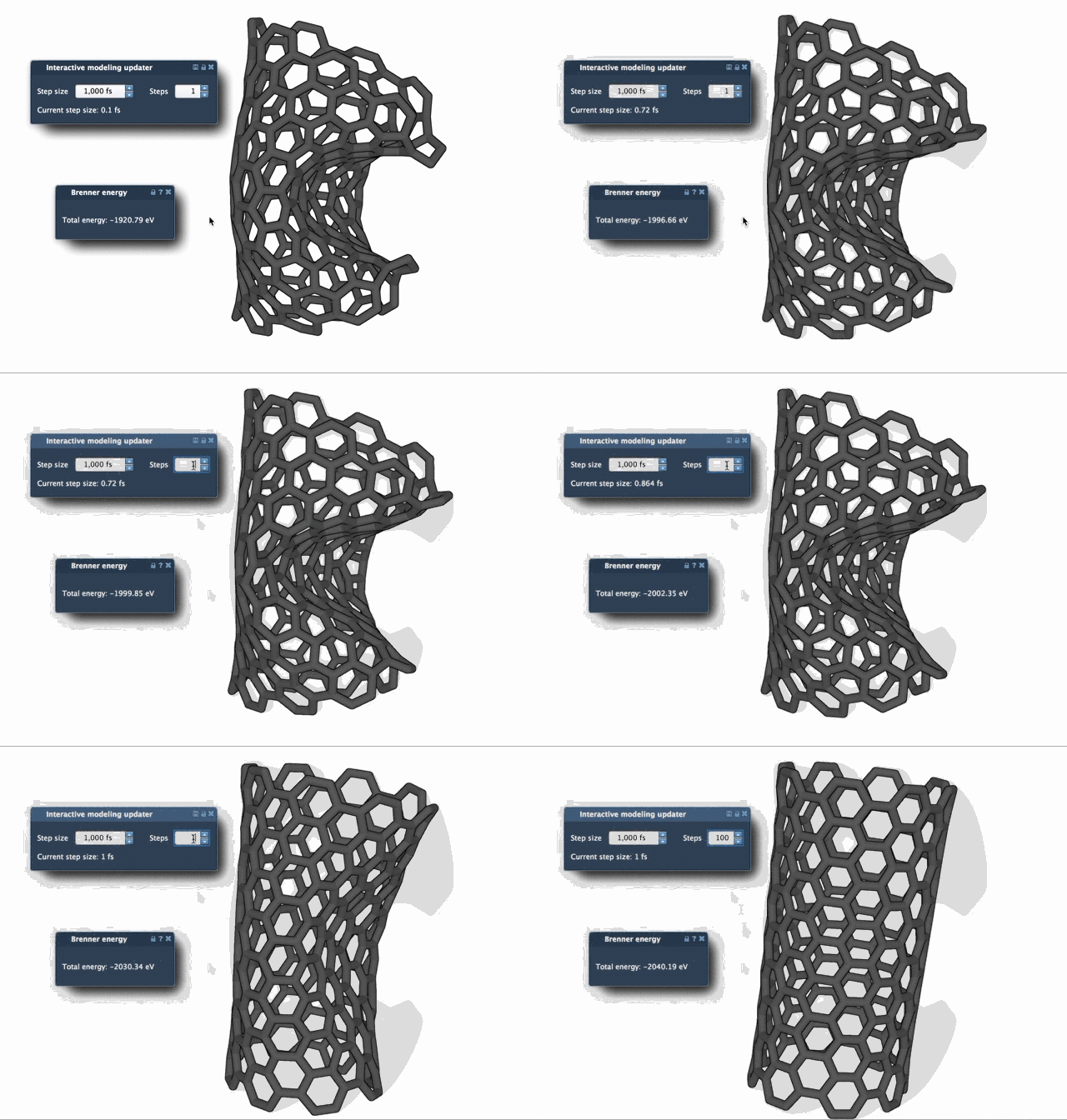
These animations illustrate how FIRE excels over traditional methods like steepest descent by offering faster convergence, especially for significant molecular motions.
Integrate FIRE into Your Workflow
FIRE isn’t just a standalone tool; it integrates seamlessly into SAMSON workflows as a State Updater. Its flexibility allows you to use it across various modeling needs, from cleaning up structures before simulations to handling NMR-derived geometries in the Molecular Restrainer Extension.
Learning how and when to reset the history of your geometry optimization tool will ensure that your molecular design pipeline remains efficient and error-free. To discover more about the FIRE Minimizer and its settings, visit the full documentation page here: FIRE Minimizer Documentation.
Note: SAMSON and all SAMSON Extensions are free for non-commercial use. Get your copy today from SAMSON Connect.