



Defects in crystal structures are a fascinating area of study for molecular modelers, especially when focusing on their influence on a material’s properties. Diamond, known for its exceptional hardness and thermal conductivity, provides an excellent showcase of how defects alter a material’s structure and behavior. If you’ve ever wondered how to model and analyze diamond defects directly in SAMSON, this guide will walk you through the process step by step.
Why Study Defects in Diamonds?
Defects can significantly affect a crystal’s physical and chemical properties. For example, introducing defects in diamonds can modify their optical characteristics, leading to colored diamonds. For materials scientists and molecular modelers, studying defects is crucial to designing materials with tailored properties.
Step 1: Load a Diamond Crystal in SAMSON
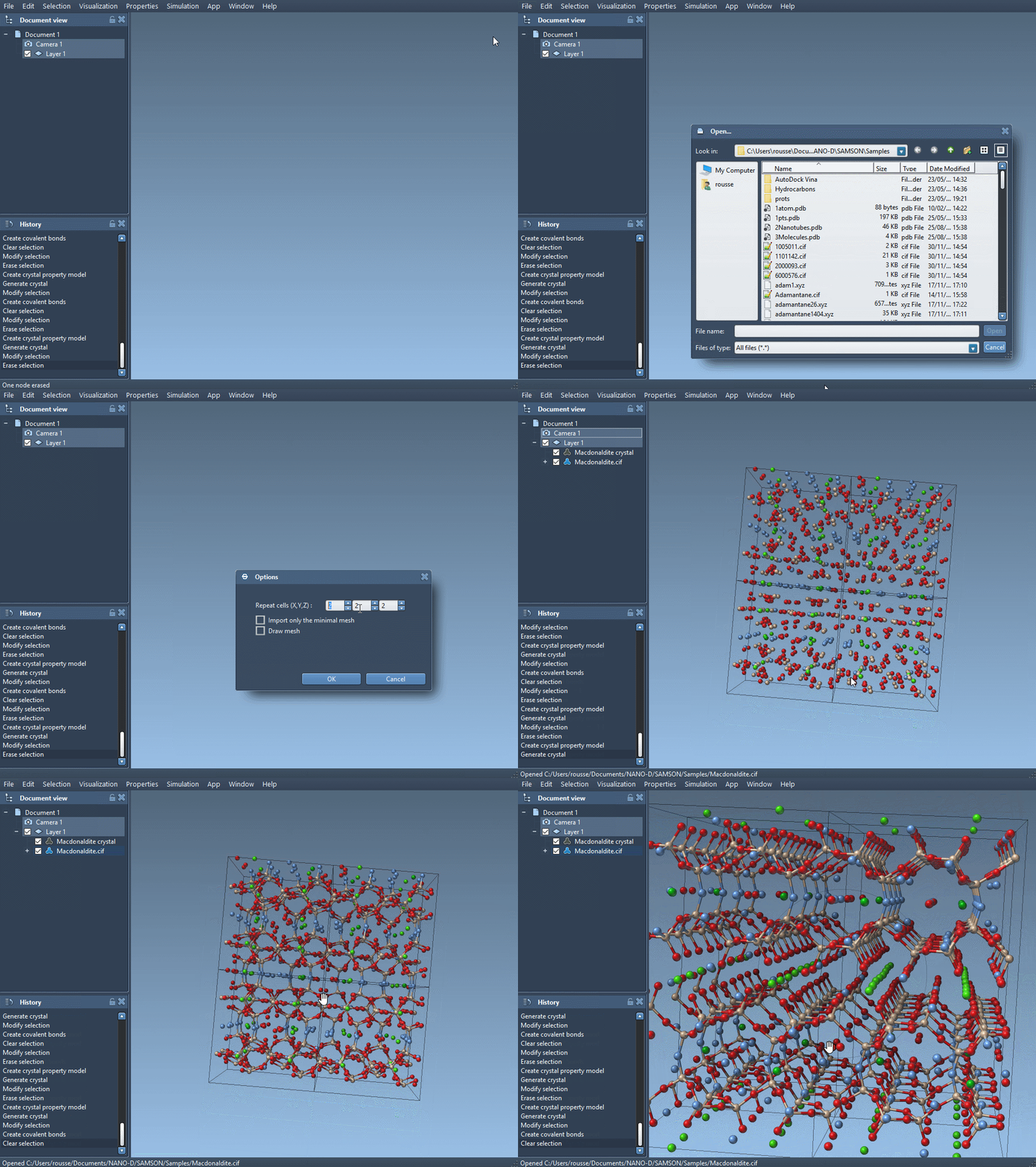
First, load a diamond structure as a .cif file into SAMSON. If you’re unsure about opening files, refer to the User Guide: Loading Molecules. To fully explore the structure, make sure to use the SAMSON tool for creating chemical bonds.
Step 2: Minimize the Structure
After importing the crystal structure, minimize it using the Brenner interaction model. This will give you an optimized configuration, useful as a baseline for introducing and analyzing defects.
Step 3: Add Defects to the Diamond Structure
To introduce defects into the crystal, make a copy of the .cif file and open it in a text editor. Add a column to include the occupancy probability for each atom, which determines how likely the atom is to be present at a specific site.
For example, at the end of your file, replace the existing atom definition:
|
1 2 3 4 5 6 7 |
loop_ _atom_site_label _atom_site_fract_x _atom_site_fract_y _atom_site_fract_z C 0.00000 0.00000 0.00000 |
with:
|
1 2 3 4 5 6 7 8 |
loop_ _atom_site_label _atom_site_fract_x _atom_site_fract_y _atom_site_fract_z _atom_site_occupancy C 0.00000 0.00000 0.00000 0.95 |
The newly added column (_atom_site_occupancy) specifies that the carbon atom has a 95% probability of being present at this site. This small adjustment allows the Crystal Creator app to simulate realistic structures with controlled defects.
Step 4: Analyze the Defects
Reload your updated crystal file with the occupancy column into SAMSON, and use the Crystal Creator tools to visualize and analyze any changes. You’ll notice how defects alter the geometric and structural details. Experimenting with different probabilities can give deeper insight into the role of defects.
Visualizing the Effect
You can compare the defect-free diamond with the defect-containing model side by side. The differences, such as distortions in atomic arrangements or depleted regions, will help you better understand their implications. Don’t forget to re-create the bonds for clarity.
Ready to Dive Deeper?
By following these steps, you can easily model and understand the dynamics of defects within diamond crystals. To explore more extended workflows, visit the full documentation page at this link.
SAMSON and all SAMSON Extensions are free for non-commercial use. You can download SAMSON from SAMSON Connect.