



If you work with protein structures, revealing the symmetrical arrangement of proteins in their crystal structures or biological assemblies can be a vital step toward understanding and designing molecular systems. However, manually reconstructing symmetry mates using raw symmetry data from PDB files can be a tedious and error-prone process. The Symmetry Mate Editor extension in SAMSON makes this task significantly easier, enabling you to quickly recreate symmetric replicas from your PDB files.
Why Protein Symmetry Matters
Proteins often operate in complex assemblies or crystal structures that are governed by symmetry. Visualizing these arrangements can provide insights into the following:
- Biological assemblies derived from crystallographic units.
- Protein-protein interfaces and potential binding sites.
- Quaternary structures important for molecular simulations and design.
- Symmetric protein complexes or nanostructures in advanced design workflows.
What used to require extensive manual effort to recreate is now streamlined with the Symmetry Mate Editor, allowing you to focus more on analysis and design.
Activating the Symmetry Mate Editor
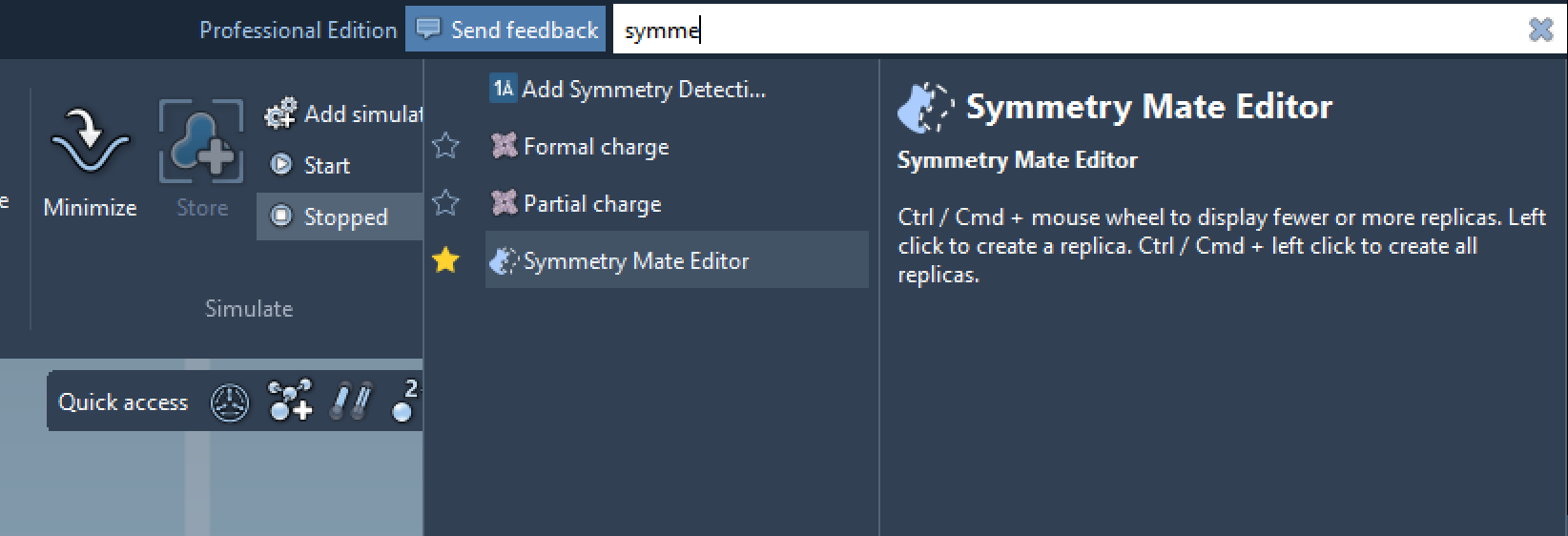
The first step is activating the Symmetry Mate Editor in SAMSON. Here’s how you can find it:
- Find everything: Press Shift + E to open the search bar and type “Symmetry Mate Editor”.
- Editors menu: Navigate to the left-side viewport menu and go to … > General > Symmetry Mate Editor.
Once you activate the editor, a number of control nodes appear in the viewport, each corresponding to a symmetry transformation. These serve as interactive tools for generating replicas.
Generating and Exploring Symmetry Mates
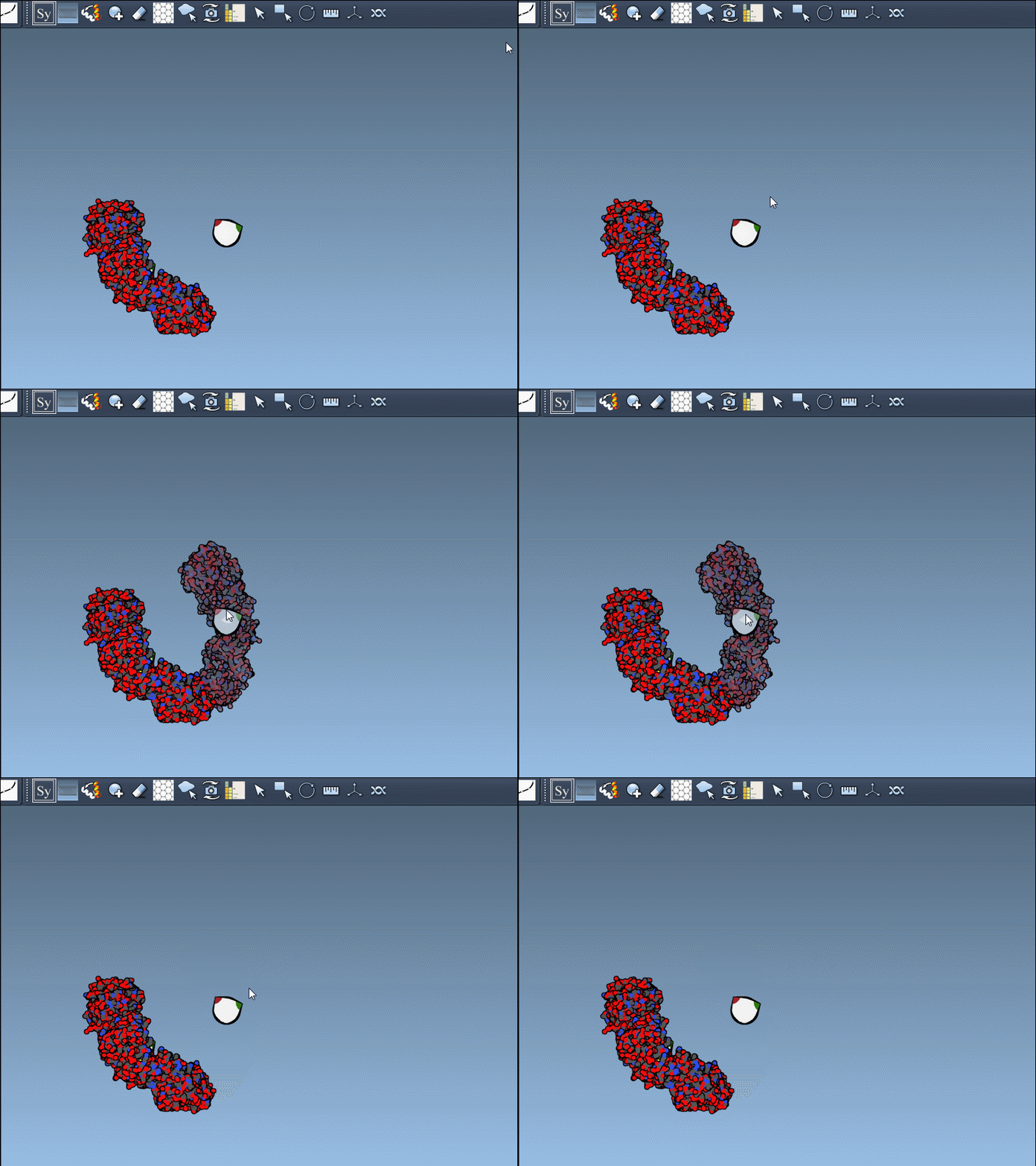
Using the Symmetry Mate Editor is intuitive. Hover over a control node and you’ll see a real-time preview of the replica it represents.
To generate a replica:
- Hover over a control node to preview it.
- Left-click the node to permanently generate that replica.
If your goal is to generate all symmetry mates at once, you can speed up the process by holding the Ctrl / Cmd key while interacting with a node. This action will preview and generate all replicas in one go.
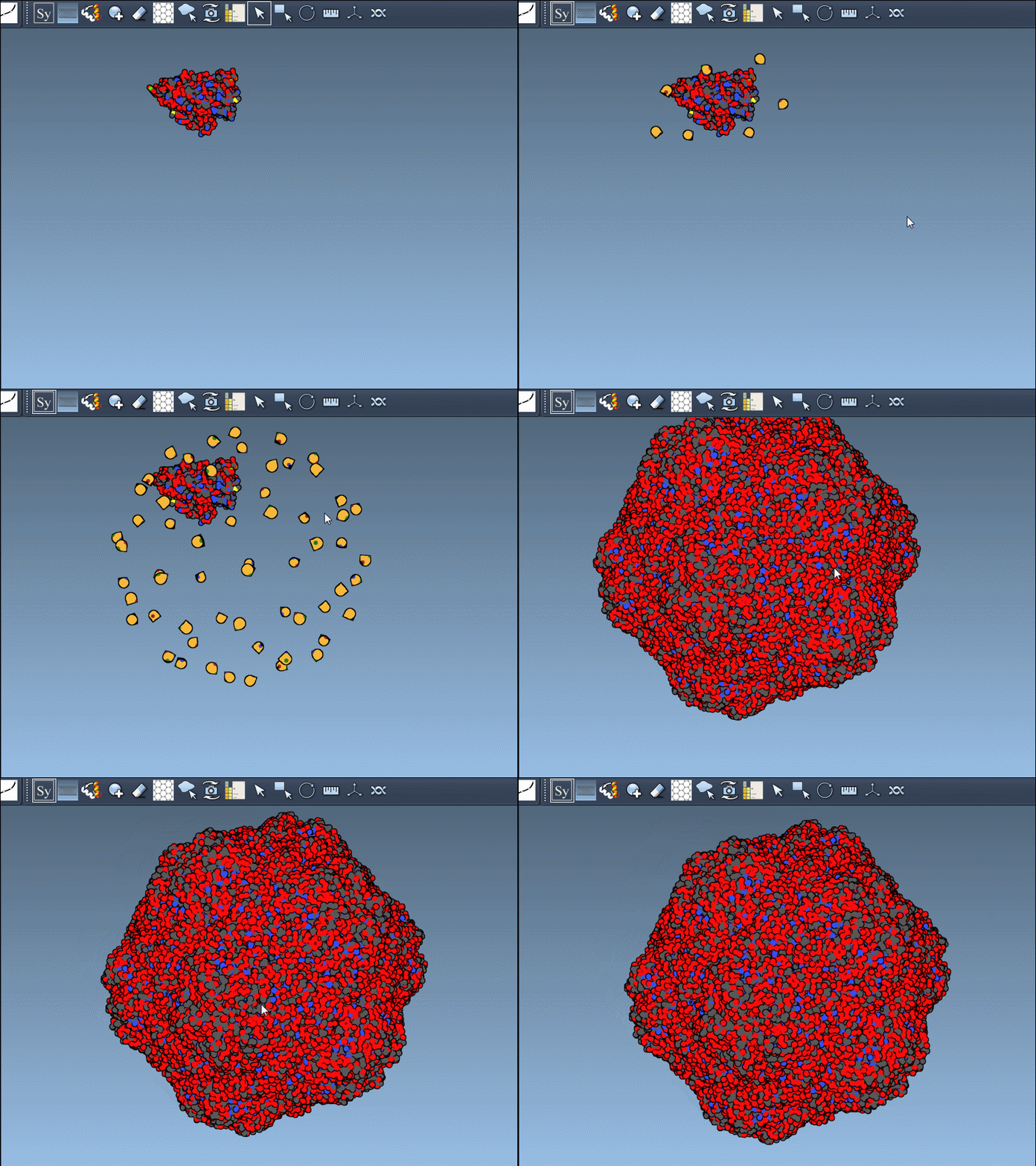
This streamlined process ensures you can reassemble complex structures in just a few clicks.
Applications in Molecular Design
The benefits of the Symmetry Mate Editor extend across several molecular design workflows:
- Build complete oligomeric assemblies from asymmetric units.
- Design symmetric protein cages or scaffolds for nanotechnology applications.
- Test repeating binding sites and surface interactions across symmetry mates.
- Simulate interactions between symmetric chains in computational studies.
By combining the tool with other SAMSON features like Symmetry Detection, you can even analyze symmetry axes or RMSD in more detail.
Final Thoughts
Understanding protein symmetry no longer needs to be a time-intensive challenge. With the Symmetry Mate Editor in SAMSON, you can quickly generate and explore symmetry mates, paving the way for deeper analysis and smarter design.
Want to dive deeper into generating symmetry mates? Visit the official documentation page.
SAMSON and all SAMSON Extensions are free for non-commercial use. Download SAMSON today at https://www.samson-connect.net.