



A crystal model can look perfectly ordered even when the material it represents is not. Vacancies and partial atomic occupancy are part of many crystal structures, but they are easy to overlook when moving from crystallographic data to an atomistic model. The result may be a structure that is visually tidy yet does not reflect the occupancy information recorded in the CIF.
Crystal Creator in SAMSON can import CIF files and use their defects and substitutions when generating a crystal. Here is a focused workflow for checking that information and trying a simple partial-occupancy example in diamond.
Start with the CIF
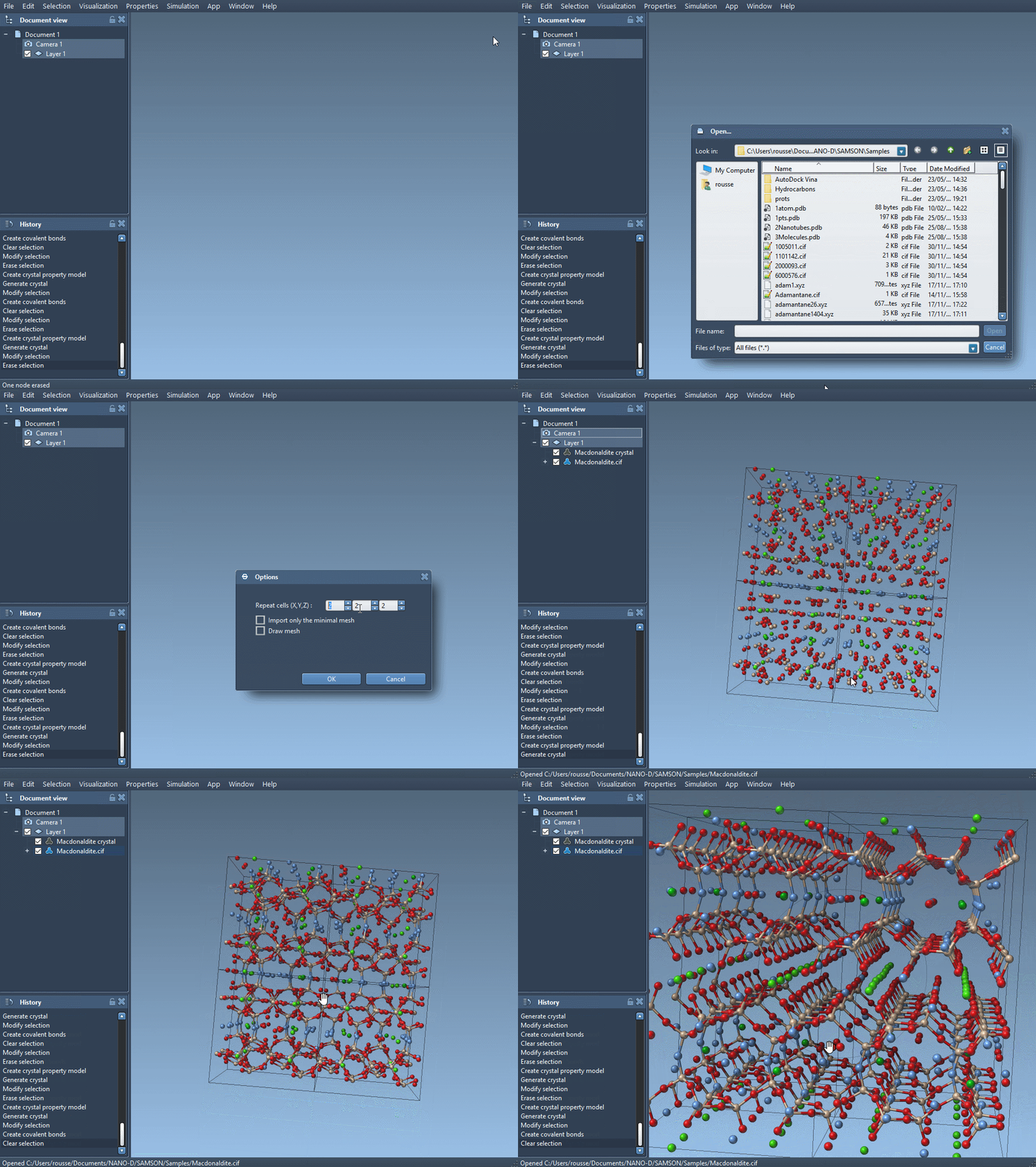
Install the Crystal Creator extension if needed, then open a CIF file in SAMSON. During import, choose how many unit cells to generate. The import options also let you choose whether to import only the data without symmetries and whether to display the mesh. After opening the file, the structural model and its property model appear in the data graph.
A useful distinction: the CIF describes the crystallographic sites and their occupancy information, while the generated model is a particular realization of that structure. The documentation notes that defects and substitutions can be randomly distributed, and that Crystal Creator uses the CIF information when creating the crystal. So don’t assume that every generated cell must look identical, or that a quick visual inspection is enough to check occupancy.
Check site ratios instead of guessing
To inspect the generated crystal, right-click its property model and choose Properties. In the second tab, use Check atoms ratio. The tool reports, for each atom site, whether the ratio of presence or absence is respected. This gives you a more direct check of occupancy than counting atoms by eye in a crowded visualization.
This check is useful when comparing a generated model with the site occupancies described in the CIF. It is a structural check of the generated ratios; it does not, on its own, tell you whether the model is energetically favorable or whether a particular defect arrangement is physically preferred.
Make a simple diamond vacancy example
The tutorial demonstrates partial occupancy by editing a copy of a diamond CIF. Keep the original unchanged so you can compare the unmodified and edited inputs. In the copied file, find the atom-site loop. A simple version may look like this:
|
1 2 3 4 5 6 |
loop_ _atom_site_label _atom_site_fract_x _atom_site_fract_y _atom_site_fract_z C 0.00000 0.00000 0.00000 |
Add the occupancy field to the loop and give the carbon site an occupancy of 0.95:
|
1 2 3 4 5 6 7 |
loop_ _atom_site_label _atom_site_fract_x _atom_site_fract_y _atom_site_fract_z _atom_site_occupancy C 0.00000 0.00000 0.00000 0.95 |
In this example, 0.95 means the carbon atom has a probability of 0.95 of being present. Open the edited CIF in SAMSON, create the bonds, and compare the resulting structure with the original. Use the property model’s ratio check to inspect whether the generated structure reflects the occupancy information.
Keep the modeling steps separate
For a more informative comparison, make one change at a time: first inspect the imported structure, then edit the occupancy, then generate and examine the model. The tutorial also suggests creating bonds and minimizing the diamond structure with the Brenner interaction model before examining the defect example. Treat visualization, occupancy checking, and energy minimization as distinct steps: each answers a different question about the model.
If your goal is to build a crystal from scratch rather than import one, Crystal Creator also lets you enter unit-cell parameters or vectors, atom symbols and coordinates, and the number of unit cells. But when the CIF already contains occupancy information, importing it is a practical place to begin—and checking the site ratios helps make that information visible in your workflow.
For the complete tutorial, including crystal import, cutting, and custom unit-cell examples, see Generate crystal models.
Note: SAMSON and all SAMSON Extensions are free for non-commercial use. Get SAMSON.