



A molecular structure can look plausible and still contain strained geometry or awkward contacts. Before simulation or interactive modeling, that can leave you spending time watching a structure adjust when you would rather get to the next step. Geometry optimization helps move a system toward an energy minimum under the selected interaction model. In SAMSON, the FIRE minimizer offers one way to do that, particularly for large-scale collective motions.
FIRE stands for Fast Inertial Relaxation Engine. It was introduced by Bitzek and colleagues as a structural-relaxation method. In SAMSON, FIRE is available as a state updater, so you can use it with an interaction model in a simulator—and it can also be used by extensions that need geometry optimization.
A simple workflow
Start with a molecular system loaded into SAMSON. The documentation notes that molecules can be loaded from formats such as PDB and MOL2. If you are new to loading structures, see the Loading Molecules Guide.
- Open Edit > Add Simulator.
- Choose the interaction model you want to use.
- In the State Updaters list, choose FIRE.
The interaction model matters: FIRE performs the optimization using the model selected for the simulator. So treat the resulting relaxed geometry as the outcome of that model, rather than as a model-independent guarantee that the structure is physically correct. For background on how simulators, interaction models, and state updaters fit together, consult the Simulators Overview.
What the controls mean
The FIRE settings are compact, but each affects how you work with the minimization:
- Step size sets the initial integration step for minimization.
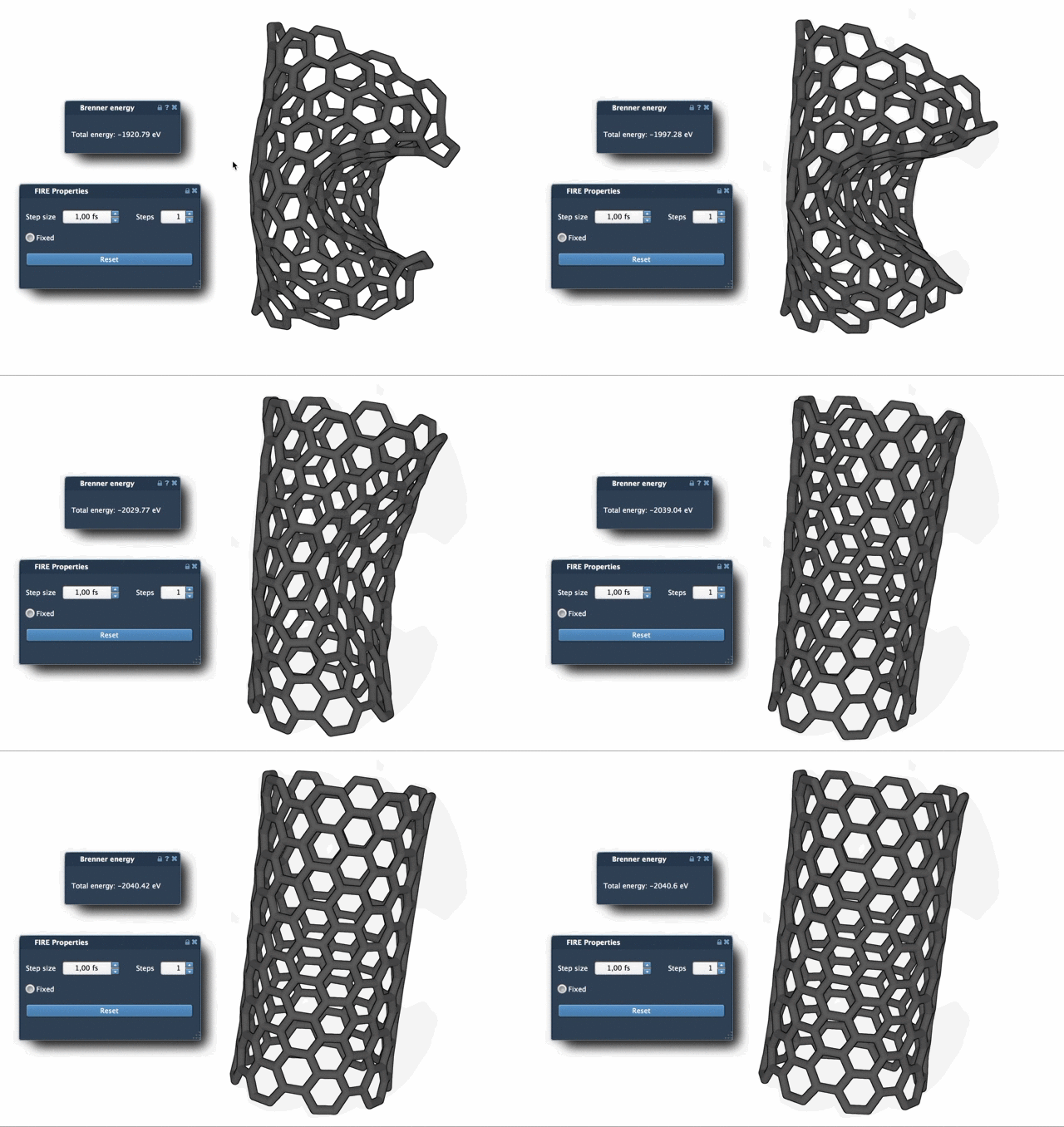
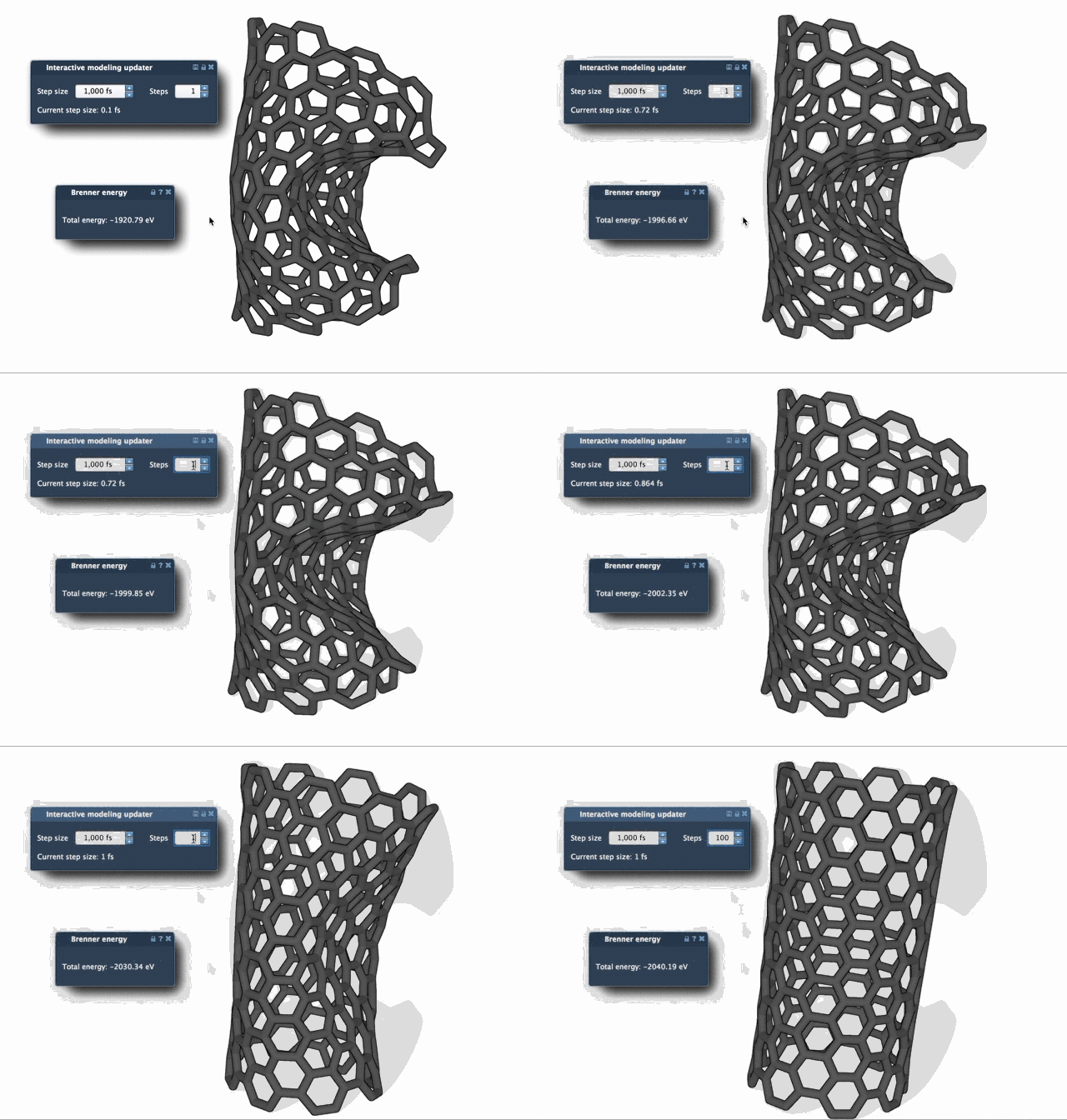
- Steps determines how many FIRE steps occur between viewport updates. Increasing this value means updates appear less frequently, but each visible change can be more pronounced.
- Fixed is an optional setting that forces the step size to remain constant.
If you want to understand what the minimization is doing, try a small test system first. This makes it easier to see the effect of the settings without having to interpret a large, complex structure at the same time. You can also adjust the Steps value when you want progress to be easier to see from one viewport update to the next.
Why use FIRE instead of steepest descent?
Steepest descent is a familiar route for reducing energy, but FIRE can converge significantly faster in situations where the potential energy changes only slightly while the geometry continues to undergo substantial, large-scale motion. That distinction is useful: a small change in energy does not necessarily mean the structure has stopped moving much.
One practical detail: reset after manual edits
If you move atoms manually while minimization is running, the FIRE minimizer retains a history. Press Reset to clear that history after making manual changes. This is a helpful step to remember when you alternate between hands-on editing and optimization.
FIRE is also used beyond a standalone simulator workflow. For example, the Molecular Restrainer extension uses it for energy minimization of NMR-derived structures. The method is based on Bitzek et al., “Structural Relaxation Made Simple”.
For the complete setup and additional context, read the FIRE minimizer tutorial.
Note: SAMSON and all SAMSON Extensions are free for non-commercial use. Get SAMSON.