



For a molecular modeler, two experimentally determined structures can look like a natural starting point for a motion study—and still be awkward to compare. If the structures contain different numbers of residues, a direct interpolation becomes more complicated: the atoms in one endpoint do not all have straightforward counterparts in the other. This example of the SARS-CoV-2 spike shows one way to work through that mismatch and produce an illustrative path between closed and open conformations.
The distinction matters because a path between structures is not automatically a movie of what happened in a cell. Here, the closed and open endpoint structures are PDB 6VXX and 6VYB, respectively. The opening motion is biologically relevant because the spike’s receptor-binding domain must become accessible to bind ACE2. The animation below makes the conformational change easier to inspect than a comparison of two static structures.
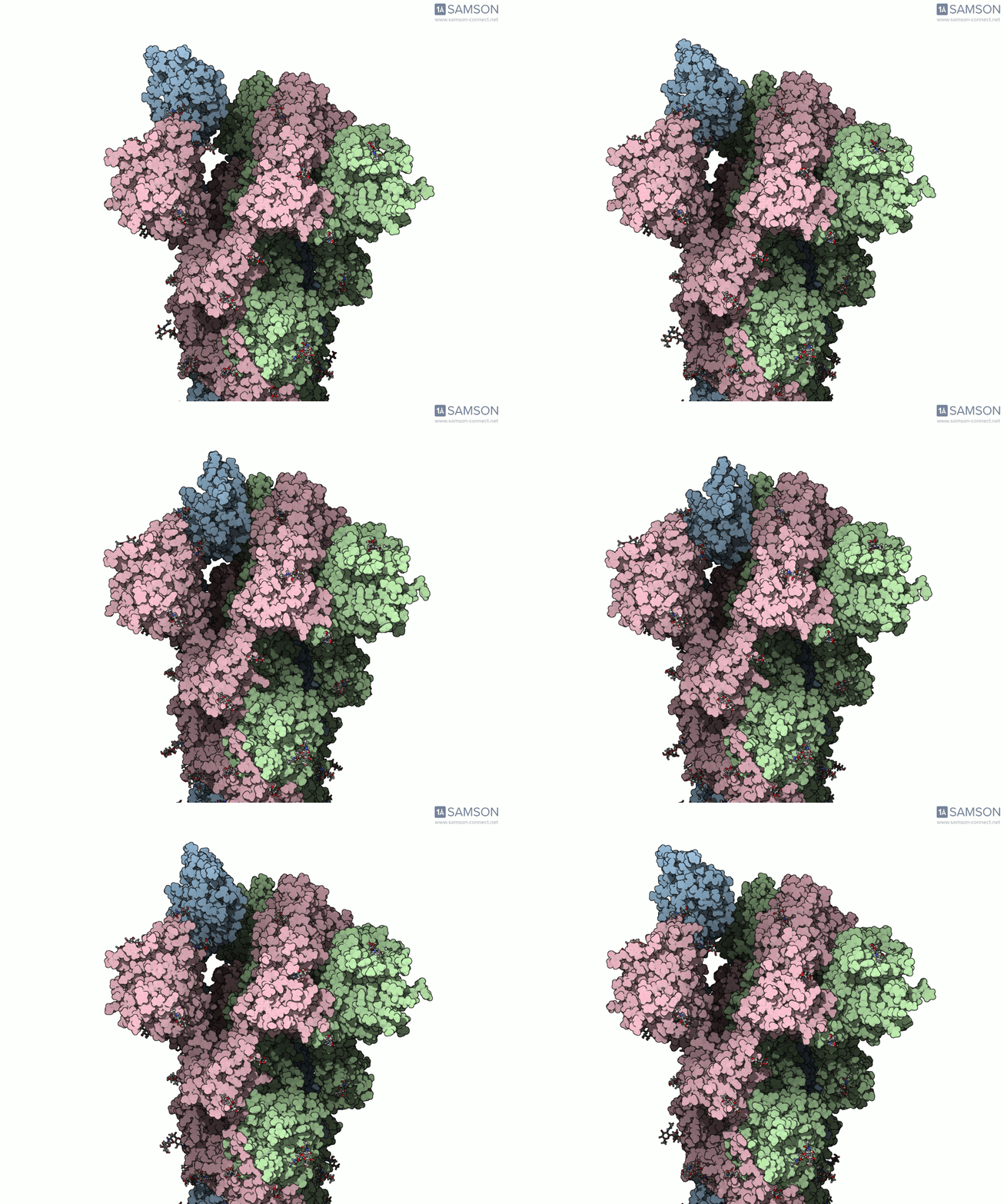
Why the endpoint mismatch matters
Interpolation methods need a defined relationship between the starting and goal conformations. In this case, 6VXX and 6VYB differ in residue count, so the workflow does not simply treat the two structures as perfectly corresponding snapshots. Instead, it first creates a path using the open structure as the starting conformation and the closed structure as the goal. Since that path represents the starting structure, the team then takes a conformation along it for the closed state, minimizes it, and uses this newly obtained conformation as the goal in a second interpolation.
This is a useful general modeling lesson: when endpoints are not directly compatible, the path-generation stage may need to help construct a compatible representation of one endpoint before refinement. It is worth checking what structure a method’s output actually represents, rather than assuming the resulting frames contain every atom or residue from both input structures.
The workflow, in practical terms
- Prepare both structures. The example uses PDB 6VXX for the closed state and 6VYB for the open state. Bond orders in the sugars were adjusted with a Python script, then hydrogens were added and minimization steps were performed.
- Generate an initial path. The ARAP Interpolation Path module was used with the open state as the starting conformation and the closed state as the goal. The documented calculation took less than half a minute on a laptop.
- Make a compatible closed-state conformation. A conformation for the closed state was taken from the initial path and minimized. This addresses the fact that the original endpoint structures differ in residue count.
- Interpolate again, then refine. The interpolation was repeated using the newly obtained closed-state conformation as the goal. The P-NEB module was then used to improve the path; this step took about 15 minutes on a laptop.
The two methods have different roles in this sequence: ARAP generates an interpolated path, while P-NEB post-processes that path. The point is not that every protein transition needs exactly these steps, but that a clear sequence of preparation, path generation, endpoint handling, and refinement makes the modeling choices easier to understand and reproduce.
Inspect the trajectory—and keep its limits in view
The computed trajectory is available as a set of PDB files, as a single PDB trajectory, or in SAMSON format. The SAMSON file includes the spike structure, open and closed conformations, the ARAP path, and the P-NEB-post-processed path. It can be useful for visual inspection or further calculations, but the supplied trajectories are provided as is and have not been experimentally verified. Treat the animation as an illustration of a computed conformational route, not as experimental evidence or a measured timeline of the opening event. Further processing or validation may be needed for a particular research question.
For a closer look at the structures, workflow, and downloadable files, visit the original SAMSON documentation page.
Note: SAMSON and all SAMSON Extensions are free for non-commercial use. Get SAMSON at samson-connect.net.