



A crystal model can look perfectly ordered even when the material you want to study contains vacancies or substitutions. For molecular modelers, the challenge is not just building a repeating lattice: it is representing the structural disorder described by the source data and checking that it survives model generation.
A practical starting point is a CIF file. CIFs can describe crystal structure and site occupancy, and SAMSON’s Crystal Creator can use that information when importing a structure. The workflow below uses diamond as an example and focuses on a useful habit: express the defect in the structure data, then inspect the generated model rather than assuming the change was applied correctly.
Start with a reference model
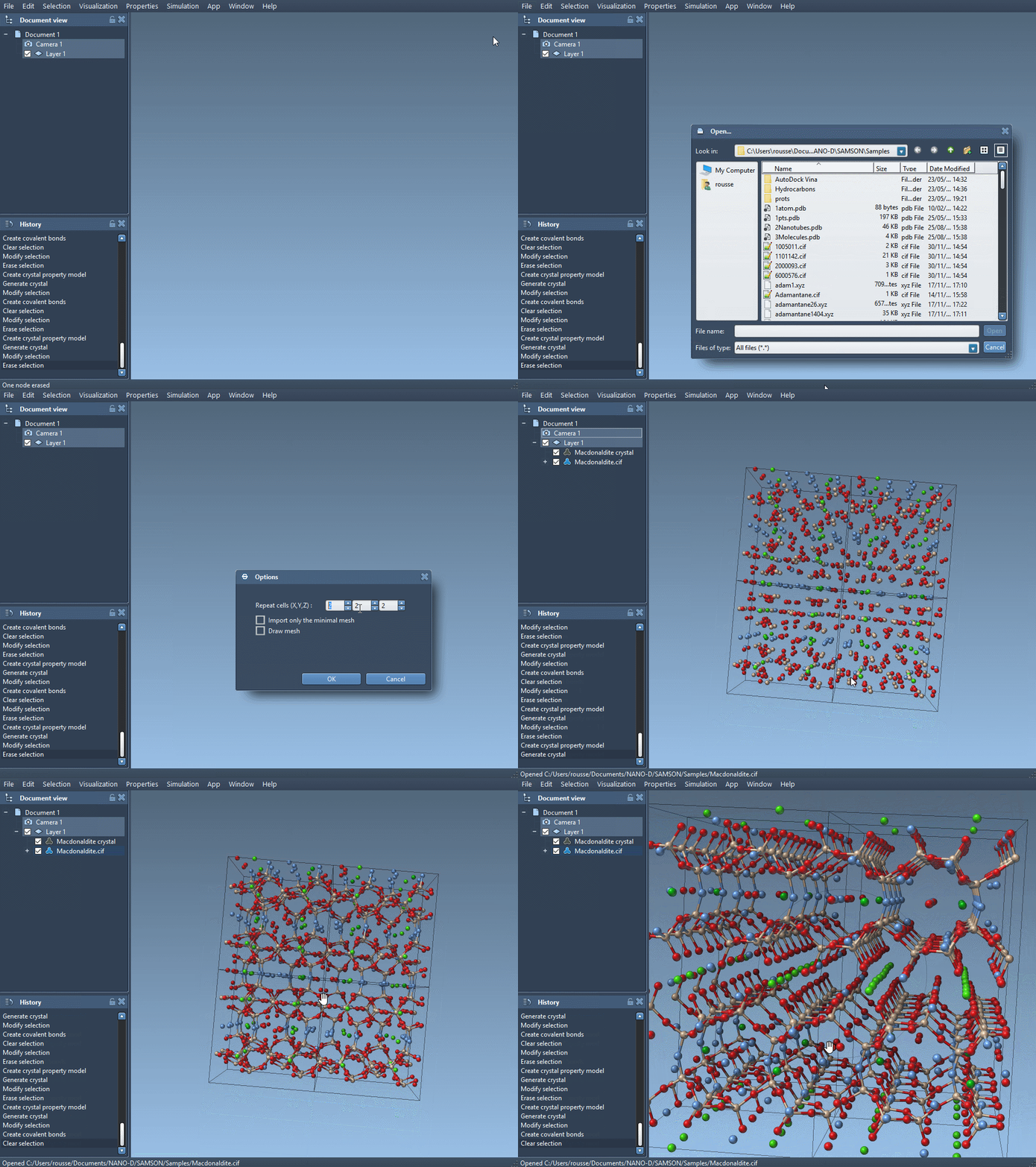
First, obtain a diamond CIF and open it in SAMSON with the Crystal Creator extension installed. During import, choose how many unit cells to create. The import window also offers options related to symmetry and displaying the mesh. Once the model is loaded, create bonds and minimize the structure with the Brenner interaction model, as in the tutorial workflow. Keeping this reference model gives you something to compare with the modified version.
The imported crystal can contain defects or substitutions described in the CIF. Crystal Creator uses these details to generate a crystal with the corresponding site occupancies. That makes the CIF more than a list of atom coordinates: occupancy information can influence whether a site is represented in the generated model.
Encode a vacancy probability in the CIF
Make a copy of the diamond CIF before editing it, so the original remains available for comparison. In the copied file, locate the atom-site loop near the end. The example in the documentation begins with a list of labels and fractional coordinates:
|
1 2 3 4 5 6 |
loop_ _atom_site_label _atom_site_fract_x _atom_site_fract_y _atom_site_fract_z C 0.00000 0.00000 0.00000 |
To provide an occupancy value for the carbon site, add the occupancy field and set the value to 0.95:
|
1 2 3 4 5 6 7 |
loop_ _atom_site_label _atom_site_fract_x _atom_site_fract_y _atom_site_fract_z _atom_site_occupancy C 0.00000 0.00000 0.00000 0.95 |
In this example, the value means that the carbon atom has a 0.95 probability of being present. It is a way to describe partial occupancy in the input structure—not a command to remove a particular named atom by hand. Keeping the occupancy with the site lets the crystal-generation workflow interpret the defect information from the CIF.
Generate, then check the result
Open the edited CIF in SAMSON and create bonds for the resulting diamond model. Compare it with the reference structure: the goal is to observe how the occupancy information affects the generated crystal, not merely to confirm that the file opens.
Crystal Creator also provides a check for atom ratios. Right-click the crystal’s property model and open its properties. In the second tab, use Check atoms ratio to inspect whether each atom site’s presence or absence ratio is respected. This is an important validation step: it helps you check the generated model against the occupancy information rather than relying only on its visual appearance.
A few practical safeguards
- Keep the source file. Edit a copy of the CIF so you can return to the unmodified structure.
- Check the site data. Make sure the occupancy field and its value are included in the atom-site loop alongside the coordinates.
- Validate after import. Use the atom-ratio check to examine whether the generated crystal reflects the intended site occupancy.
- Use the same workflow for comparison. Create bonds for both the reference and defect-containing models, then compare their structures.
This approach is useful whenever a crystal model needs to retain defect or substitution information from CIF input. It also illustrates a broader modeling principle: when a structure format carries meaningful site data, preserve and validate that data through the generation process.
For the complete Crystal Creator workflow—including importing CIFs, cutting crystal slabs, and defining unit cells—see the original documentation page.
Note: SAMSON and all SAMSON Extensions are free for non-commercial use. Get SAMSON.