



A molecular modeler often has two useful structures and one difficult question: what might the protein do between them? A closed and an open conformation show the endpoints, but not the transition. Simply playing an interpolation can be misleading, too: a smooth-looking animation is not automatically a physically validated mechanism.
The SARS-CoV-2 spike offers a helpful case study in how to build and interpret an illustrative path between known structures—and how to keep the limits of that path clear.
Why the opening matters
The spike is a trimer: three copies of the S protein form one structure. Its receptor-binding region can move from a down, or closed, state toward an up, or open, state. In the open state, that region can recognize ACE2, a receptor on some human cells. Only one of the three spike proteins binds ACE2 at a time, according to the documented example.
The spike is also decorated with sugars. These can help shield parts of the protein from immune recognition, while the receptor-binding region must remain accessible enough to engage its receptor. Seeing the whole structure—not just an isolated binding site—helps put that trade-off in context.
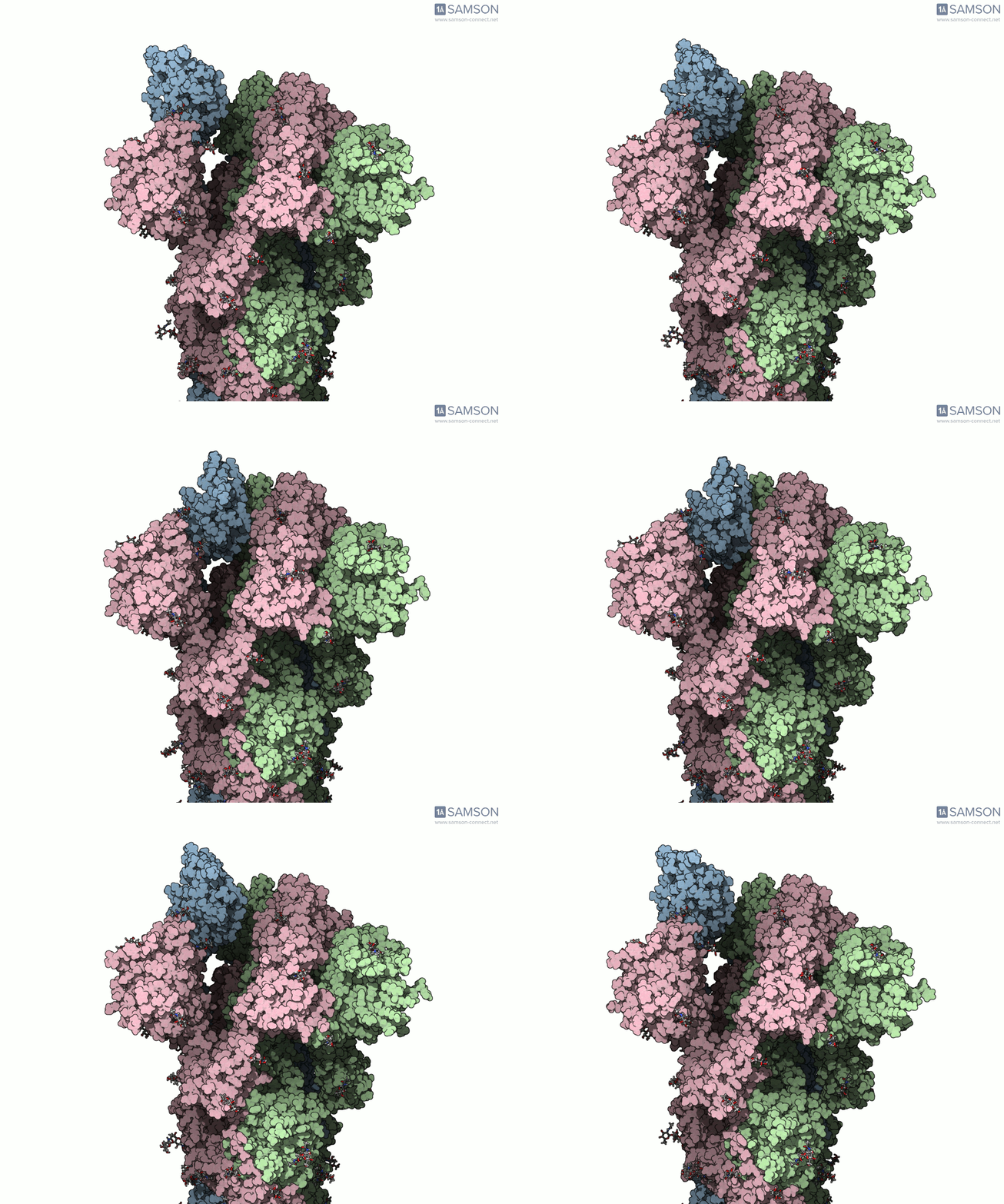
What an endpoint-to-endpoint path can tell you
The example begins with two experimentally determined structures: closed-state PDB 6VXX and open-state PDB 6VYB. The computed trajectory makes their structural difference easier to inspect as a sequence of conformations. Different viewing angles can help reveal the motion’s overall geometry:
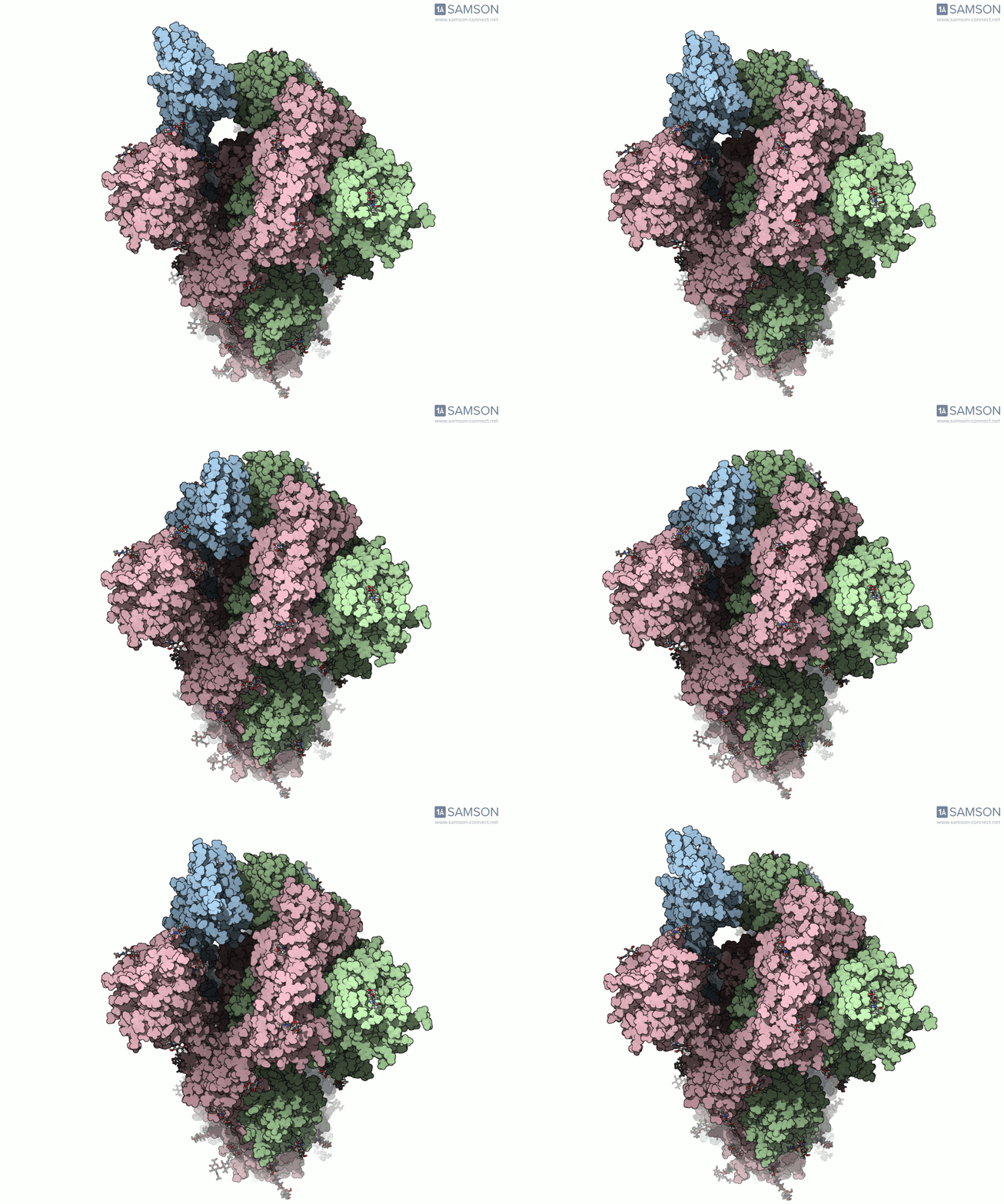
That distinction is important: this is a computed transition path between two structures, not a molecular-dynamics recording of the spike’s natural motion. It is useful for visual exploration and may support further calculations, but the trajectory has not been experimentally verified. Treat it as a model to inspect and validate—not as proof that every intermediate conformation occurs in nature.
Why the workflow needed extra care
The endpoint structures differ in their number of residues, so they cannot be treated as perfectly matching copies. The documented workflow first adjusted bond orders in sugars, then added hydrogens and performed minimization. It used the ARAP Interpolation Path module to create an initial path. Because the structures differ in residue count, the workflow also selected and minimized a closed-state conformation from that path before generating another path. Finally, the P-NEB module was used to improve the path.
This sequence offers a practical lesson for modelers: path-generation tools depend on the structures supplied to them. Preparation, correspondence between endpoints, and minimization can all affect what the resulting animation represents. When structures differ in composition, plan for additional alignment and cleanup rather than assuming a direct interpolation will be sufficient.
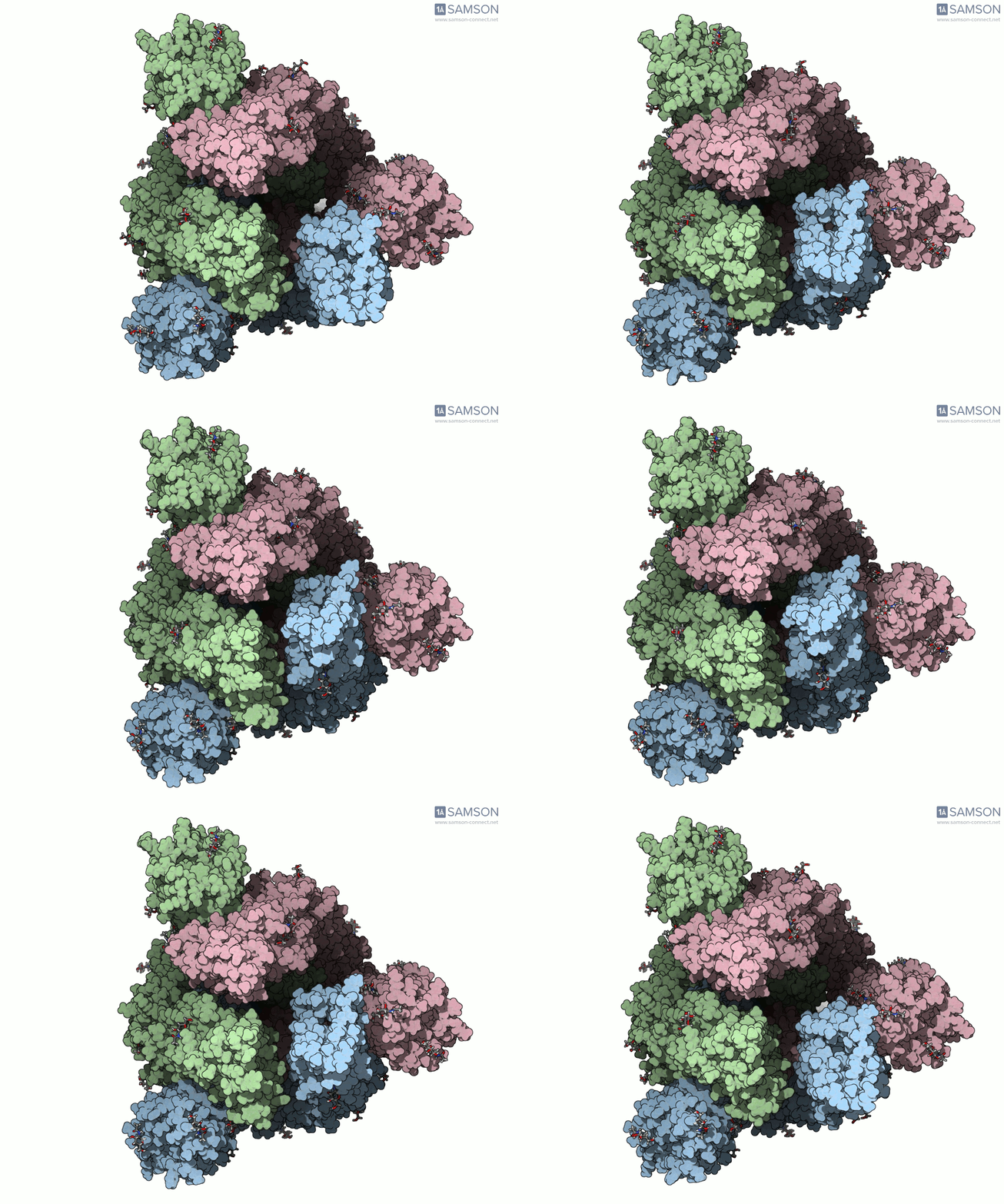
Explore the trajectory—and its caveats
The example trajectory is available as a set of PDB trajectory files, a single PDB trajectory, or a SAMSON file. The SAMSON file includes the structure, open and closed conformations, and paths associated with the ARAP and P-NEB steps.
Before using any of these files in a quantitative study, check what atoms and residues are present, whether the structures are prepared appropriately for your calculation, and whether the path needs additional validation or post-processing. The files are provided as is; the original page also notes that they may be useful for further calculations but are not experimentally verified.
For the complete walkthrough, module details, and related tutorials, learn more in the original documentation.
Note: SAMSON and all SAMSON Extensions are free for non-commercial use. Get SAMSON at samson-connect.net.