



Building carbon nanotube (CNT) models is often a central need in molecular modeling, nanoscience, and materials simulation. Whether you’re designing CNT-based sensors, creating nanostructures for simulations, or exploring their mechanical and electronic behavior, the ability to quickly and intuitively generate CNT geometries is essential. But not all modeling tools make this easy or interactive.
The Nanotube Creator Extension in SAMSON offers a hands-on way to create CNTs with your mouse—literally drawing them in the modeling viewport. In this post, we’ll walk through the interactive method for building carbon nanotubes as if you were sketching them in 3D space—and how this can be much faster than manually entering parameters.
Why Interactive Creation Matters
In many modeling tools, defining a CNT requires calculating the chiral vector by hand and translating design goals (length, radius, axis) into underlying parameters like n and m. But for many users—especially when exploring a large design space or prototyping nano-systems—that process slows things down. Worse, mistakes in vector math mean trial and error.
With SAMSON’s interactive method, you sketch the tube dimensions directly with your mouse. This is both fast and educational: you can immediately see how geometric changes affect the model, providing intuition about how n and m shape the resulting structure.
Mouse-Driven CNT Construction in SAMSON
Here’s how it works. Once the Nanotube Creator is activated:
-
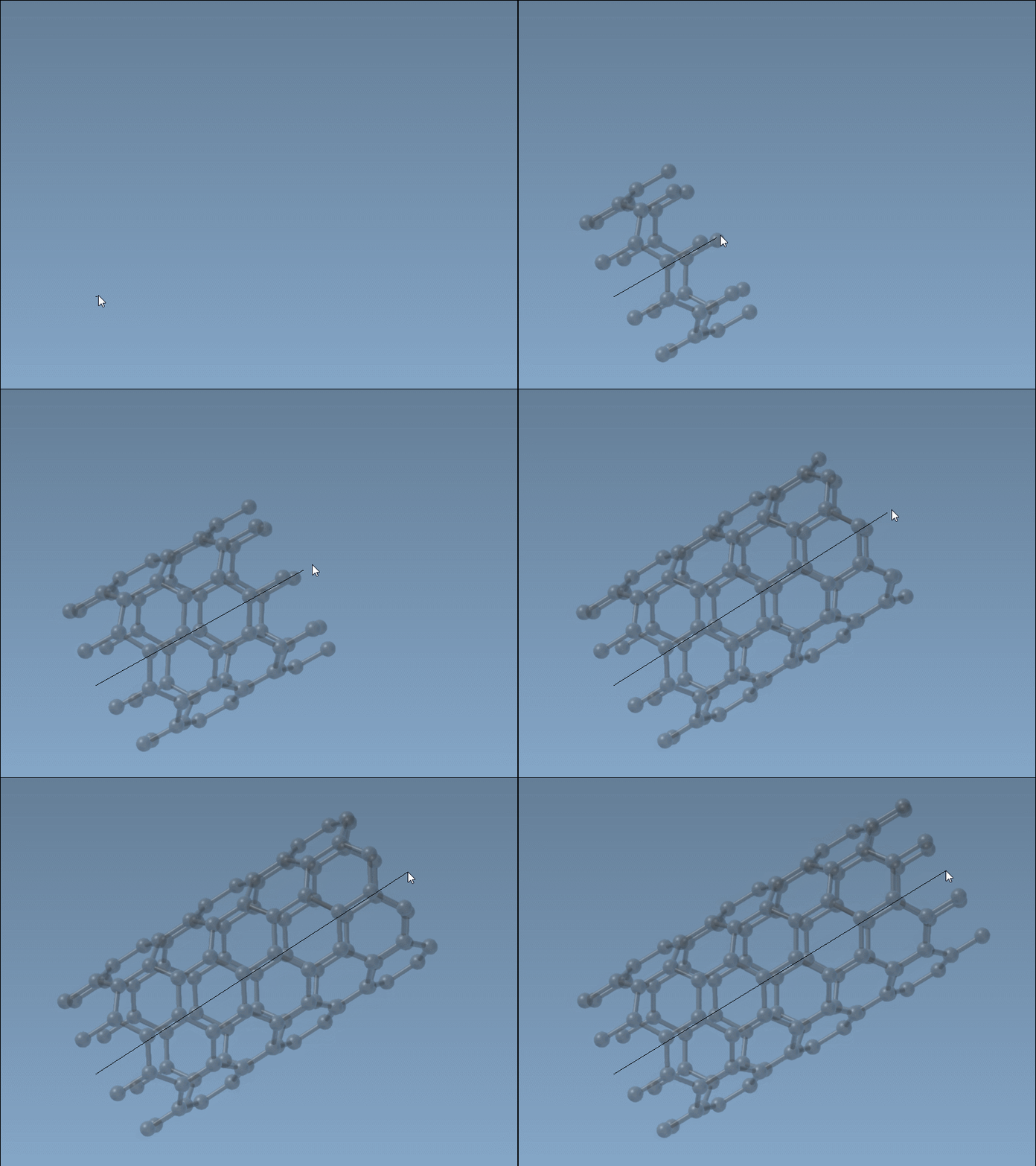
Set the nanotube axis and length: Click and drag the left mouse button in the viewport. This defines the tube’s axis and length—i.e., the
nparameter. -
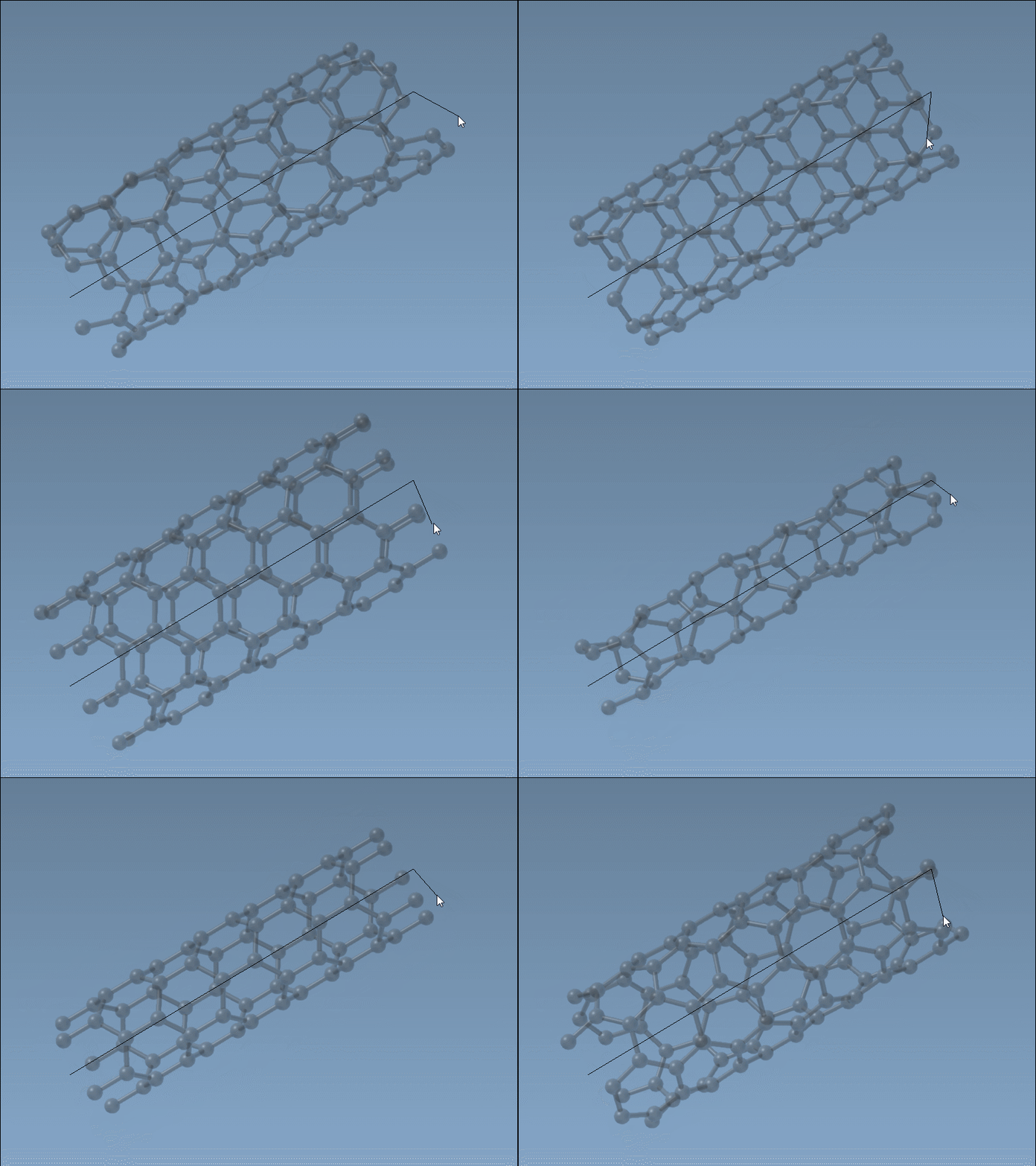
Set the radius: After releasing the mouse button, move your mouse to adjust the radius. This dynamically updates the
mparameter. Click again to confirm.
As you work, the graphical status bar provides real-time feedback on the values of n and m as well as the tube orientation. So you can fine-tune without guesswork.

When to Use This Approach
This interactive method is especially useful when:
- You’re exploring different geometries quickly (e.g., adjusting length/radius to fit other components).
- You’re visually aligning CNTs with other structures or molecules.
- You prefer a visual design process over numerical inputs.
- You’re teaching or learning CNT geometry and want visual intuition.
Complementary to GUI-Based Control
Note that this method complements the GUI-based settings in Nanotube Creator—where you can precisely edit n, m, and position values. You can switch between the interactive mode and the GUI as needed, depending on whether you’re sketching out ideas or fine-tuning a system.
To explore this method, check out the full documentation here: https://documentation.samson-connect.net/tutorials/nanotubes/building-nanotubes-models/
SAMSON and all SAMSON Extensions are free for non-commercial use. You can download SAMSON at https://www.samson-connect.net.