



When working with protein structures from the Protein Data Bank (PDB), you often start with an asymmetric unit — just a portion of the full biological or crystallographic assembly. While this is sufficient for some analyses, many modeling and simulation workflows require you to reconstruct the protein’s full quaternary structure. For this, generating symmetry mates becomes essential.
The Symmetry Mate Editor in SAMSON is designed to help reconstruct and explore these assemblies with visual and interactive tools. But even more useful is how quickly and efficiently you can preview and generate symmetry mates — and this post focuses on exactly that: saving time while preserving accuracy in your structural modeling process.
Previewing Before Committing
One of the most common pain points in molecular modeling is the need to experiment with orientation and symmetry before committing to a full assembly. The Symmetry Mate Editor makes this easier by allowing real-time previews of individual symmetry mates. Simply hover your mouse over one of the control nodes that appear around your protein, and the corresponding replica will instantly appear in the viewport.
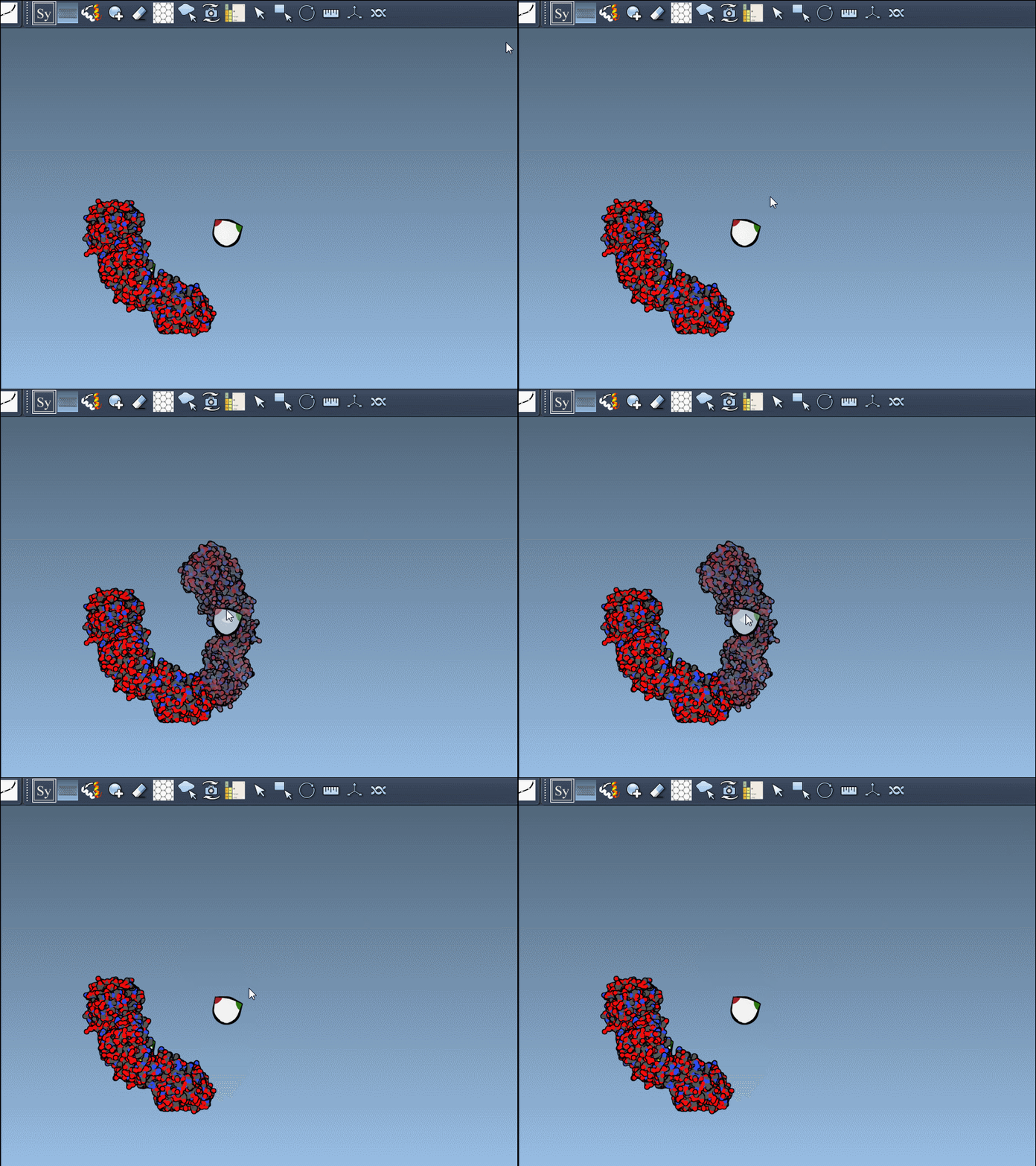
This lightweight approach to visualization lets you test configurations without generating unnecessary geometry or cluttering your workspace.
Lock in Replicas with a Click
If you find a replica you want to keep, just left-click the control node to permanently generate it. This minimizes the number of manual transformation steps and avoids repetitive operations.
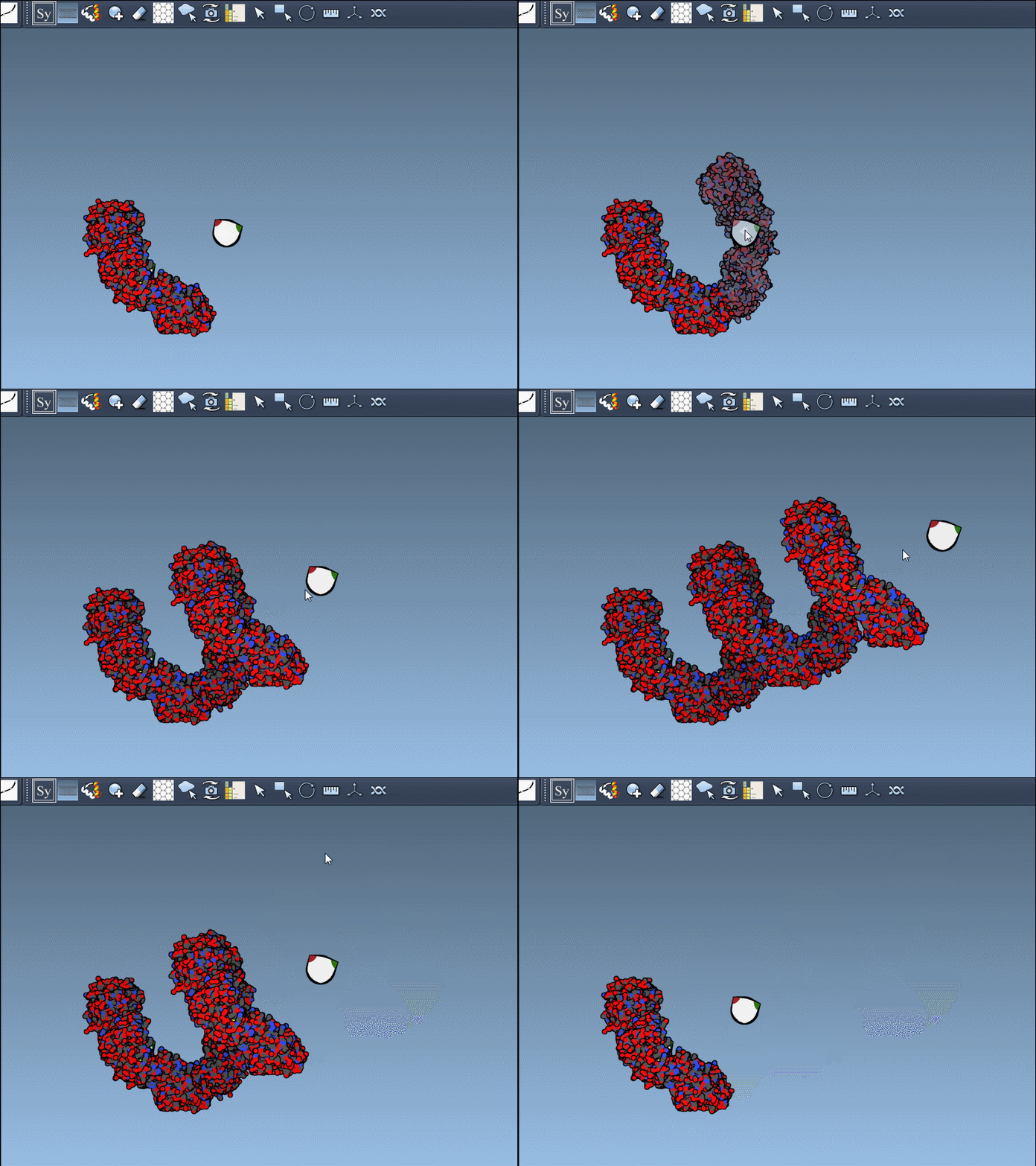
Even better, you’re one step away from reversing the decision: use Ctrl+Z (or Cmd+Z on macOS) to undo and remove unwanted replicas at any time.
Need to Visualize the Whole Assembly? Generate All at Once
For larger simulations or when you’re certain you need the full complex, SAMSON lets you skip repetitive clicking entirely. Press and hold Ctrl (or Cmd) before hovering over any control node. Once there, left-click and watch all symmetry-related replicas appear at once. This is especially effective when assembling viral capsids, cages, or large molecular machines.
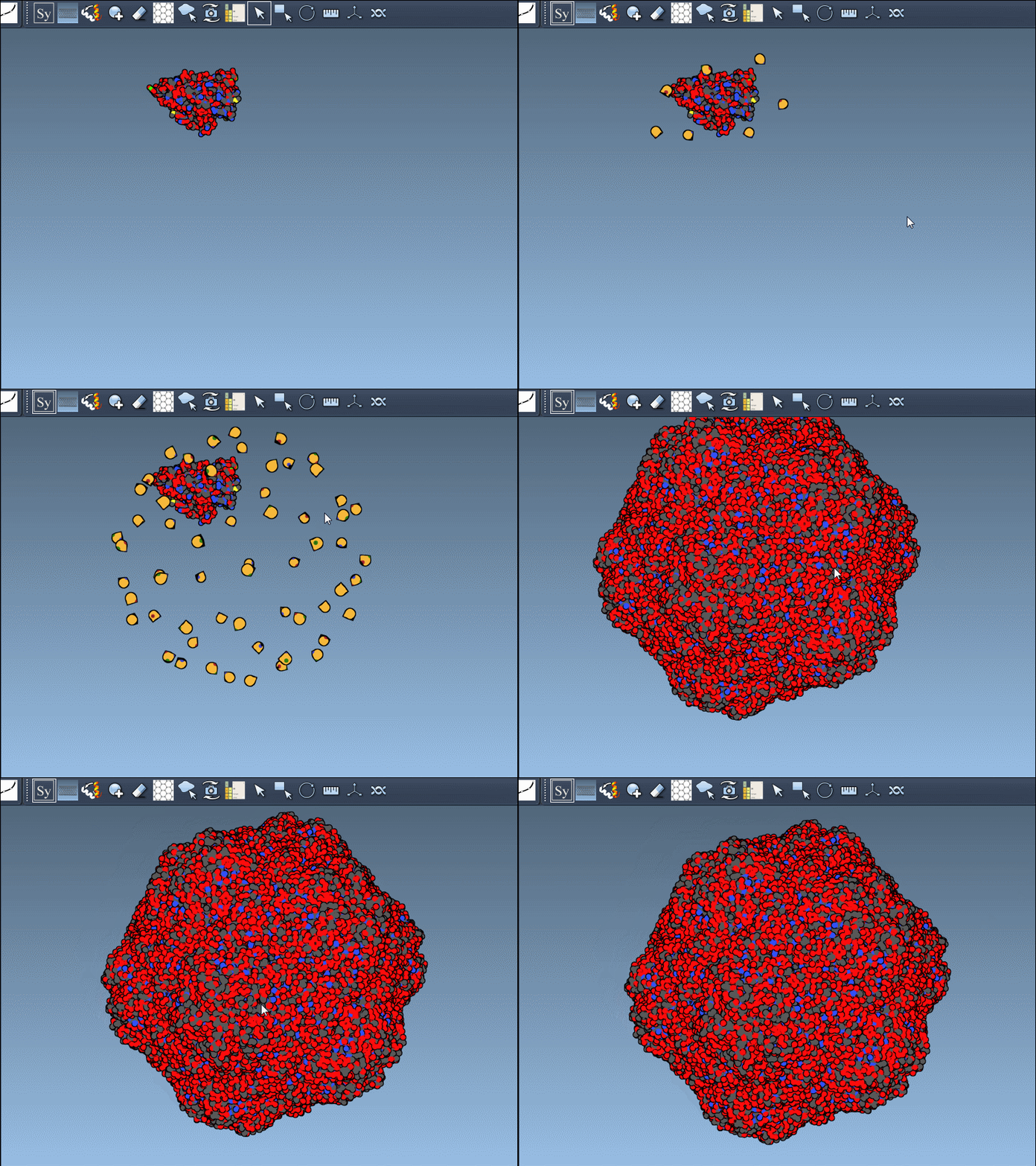
Designed for Control and Clarity
Previewing and generating symmetry mates gives modelers a better intuitive understanding of how proteins organize in space. Whether you’re assessing protein-protein interfaces or setting up a multimeric simulation, being able to visualize symmetry quickly greatly accelerates your workflow.
Notably, different types of symmetry operations can come from different PDB records. The editor supports both CRYST1 (crystal lattice symmetry) and BIOMT (biological assembly), color-coded as white and yellow respectively for easy distinction — meaning you’re never left guessing about the source of your transformations.
To explore more about what you can do with the Symmetry Mate Editor — including how to activate it, distinguish CRYST1 vs. BIOMT records, or integrate with other SAMSON features — visit the full documentation page.
SAMSON and all SAMSON Extensions are free for non-commercial use. You can download SAMSON at https://www.samson-connect.net.