



Exploring the arrangement of protein subunits is essential in structural biology, particularly when transitioning from crystallographic units to biologically relevant assemblies. A recurring challenge for molecular modelers is determining how individual protein chains relate to their symmetric counterparts, especially when dealing with partial or asymmetric units in PDB files.
This is where the Symmetry Mate Editor in SAMSON offers a practical advantage. Instead of manually deciphering transformation matrices and scripting symmetry operations, you can visually explore, preview, and generate symmetry mates — interactively and in real time.
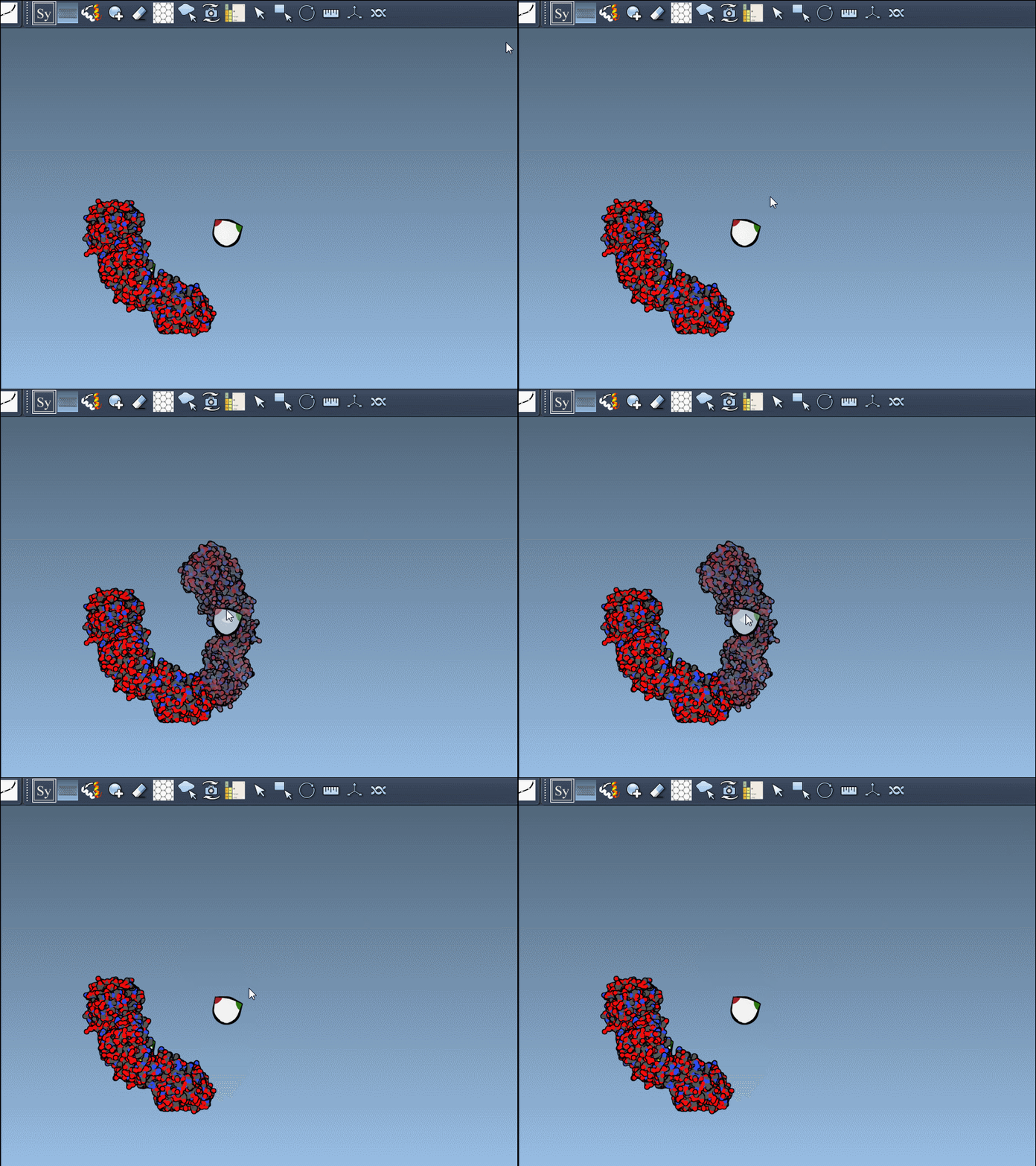
Real-Time Previews with Hover and Click
Once the Symmetry Mate Editor is activated (either via the Command Finder with Shift+E or from the left viewport menu), the interface overlays control nodes that represent available symmetry transformations from CRYST1 and BIOMT records.
To preview a potential replica structure:
- Hover over a control node to see a translucent version of the symmetry mate.
- Left-click on the node to generate the mate permanently in the design workspace.
This method makes it easy to progressively build complete assemblies without guessing what a click will produce. It’s particularly helpful when working on complex protein-protein interfaces, cages, or assemblies that emphasize symmetry.
Scale and Visualize with Precision
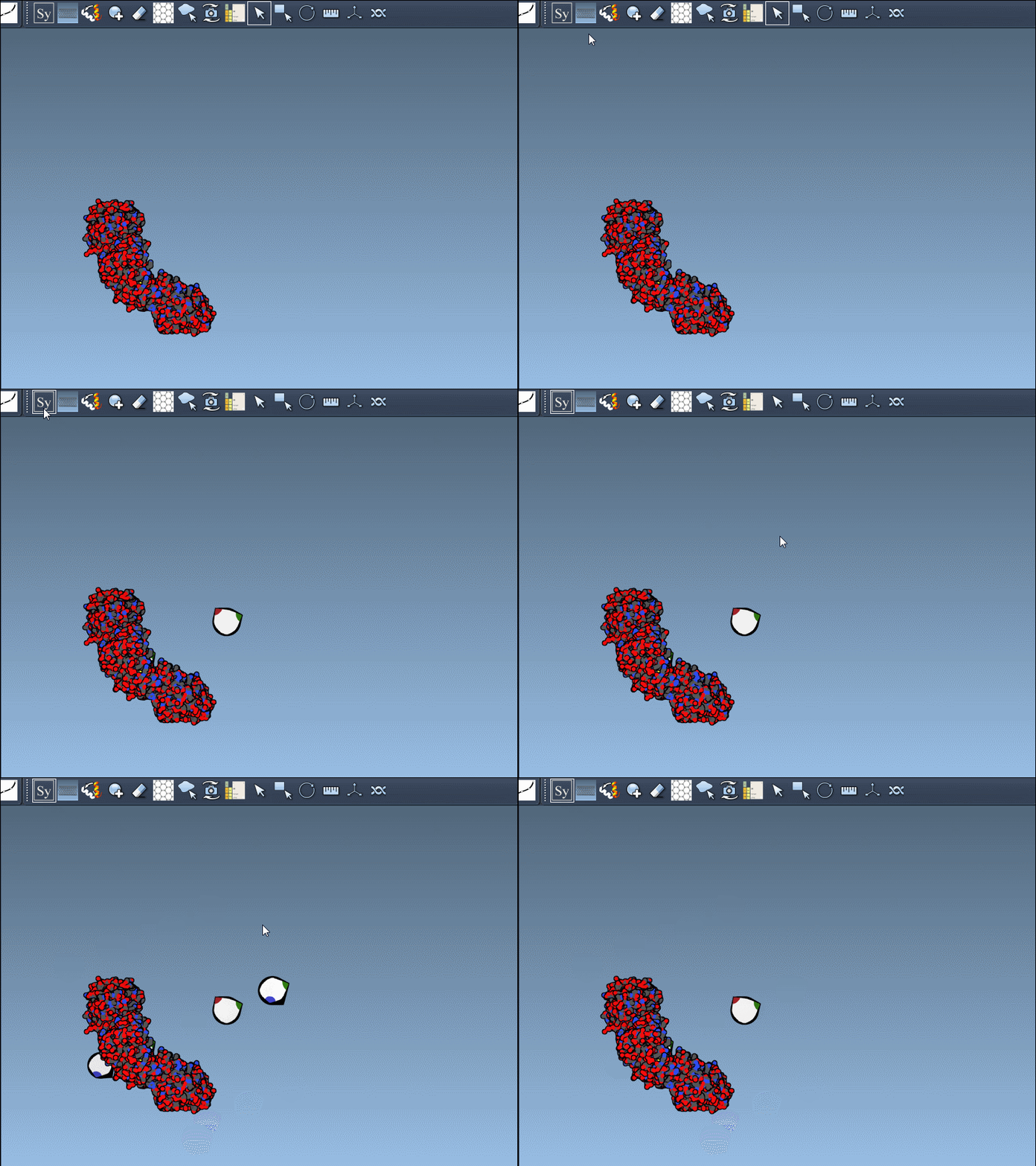
If you’re dealing with a large set of potential mates, use Ctrl/Cmd + the mouse wheel to control how many nodes are shown. This allows you to find the right balance — not too cluttered, but revealing enough options to explore realistic inter-molecular contacts.
Shortcut to Complete Assemblies
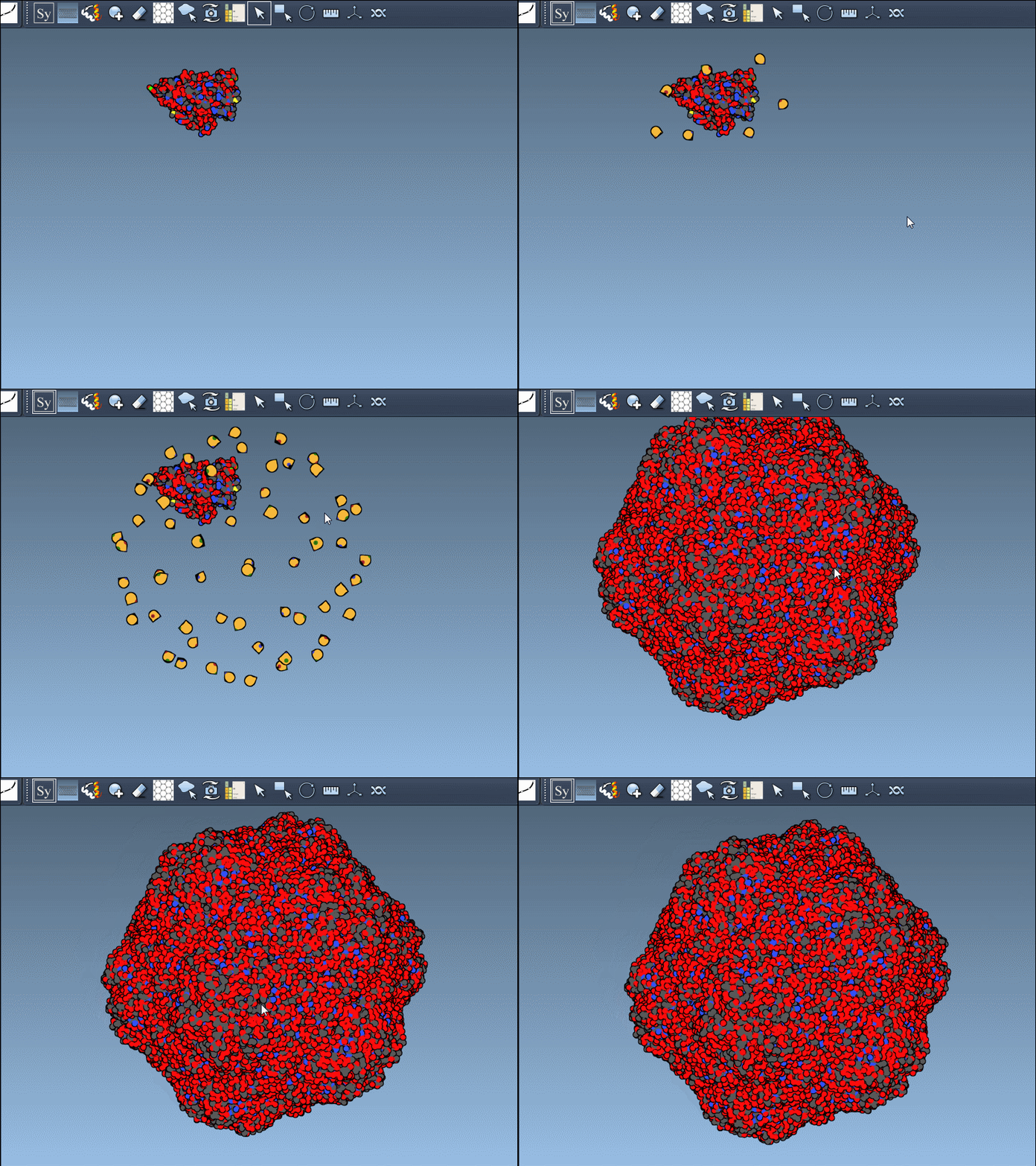
When you already know you want the full symmetric structure, there’s a quicker way: hold down Ctrl/Cmd before hovering, and then click a control node. SAMSON immediately previews and creates all symmetry mates associated with that transformation, streamlining the process into one step.
This is especially useful in scenarios like icosahedral assemblies, where dozens of mates are involved and manual selection would be time-consuming.
Undo When Needed
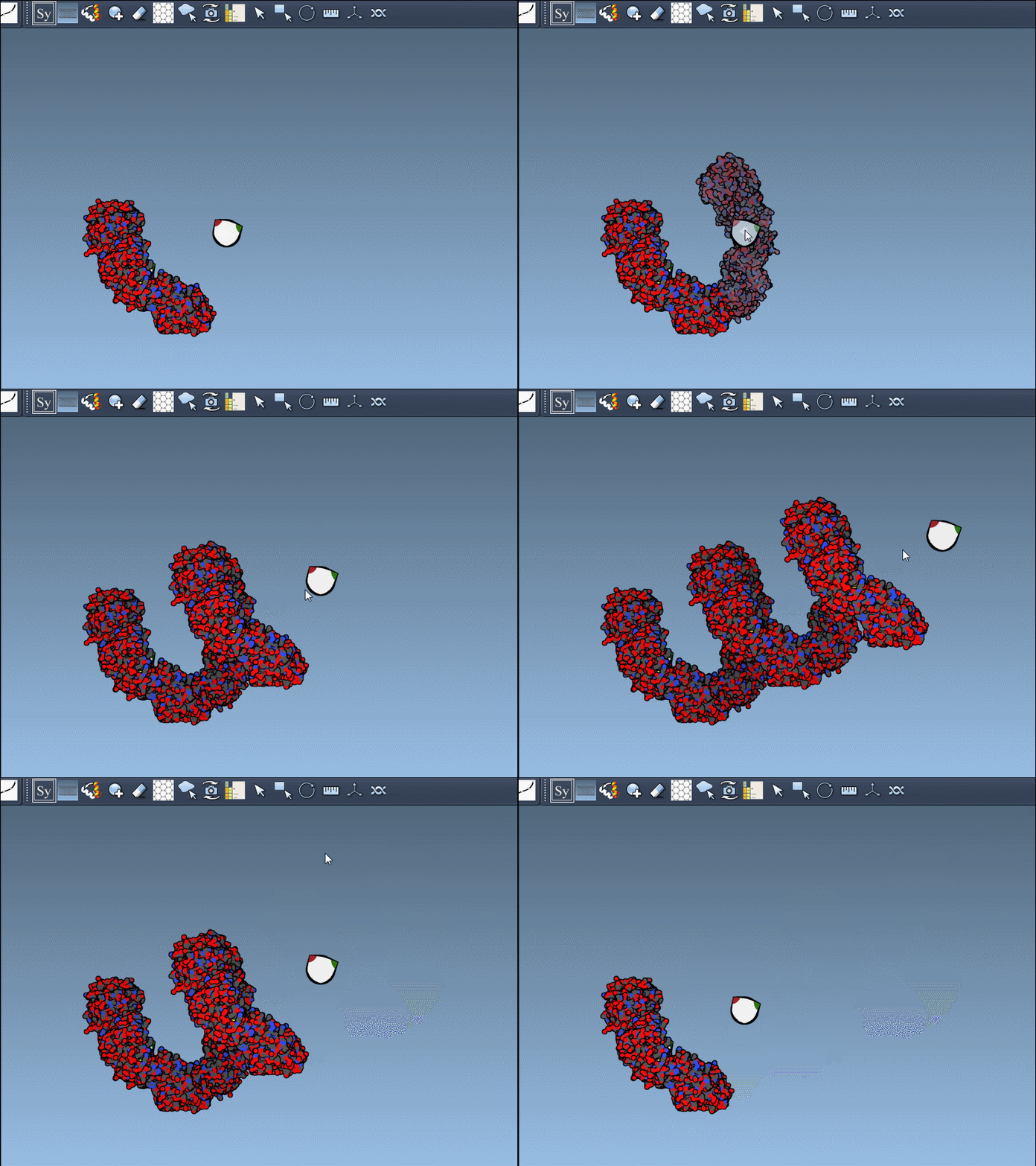
And of course, if you generate a structure and want to step back, just press Ctrl/Cmd + Z to undo the action. This encourages exploration — you can investigate various configurations without the fear of committing to irreversible changes.
What Problem Does This Solve?
If you’ve ever struggled to visualize how asymmetric units relate to biological structures, or have written custom scripts to generate symmetric mates using matrix transformations — this tool can save you time, reduce guesswork, and improve the quality of your interpretations.
You’re not only saving time; you’re ensuring accuracy in modeling the actual biological environment of protein complexes. When preparing structures for simulation, docking, or design, having the correct quaternary structure is not optional — it’s fundamental.
To learn more about the symmetry functionalities of SAMSON, visit the full documentation at this page.
SAMSON and all SAMSON Extensions are free for non-commercial use. You can get SAMSON today at https://www.samson-connect.net.