



A molecular structure can look reasonable on screen and still be difficult to work with: atoms may be poorly positioned, and the geometry may need relaxation before a simulation or interactive modeling session. The challenge is not simply to move atoms—it is to reduce the structure’s energy under the interaction model you have chosen, while keeping an eye on how the geometry changes.
SAMSON’s FIRE (Fast Inertial Relaxation Engine) Minimizer provides one way to do this cleanup. It is a state updater used with a simulator, and it can work with any SAMSON interaction model. FIRE is especially useful when the structure undergoes collective, large-scale motion: in these situations, it can converge faster than steepest descent, even when potential-energy changes are small.
A focused setup
- Load the molecular system. Open a structure in a supported format, such as PDB or MOL2. For a first test, use a small system so you can clearly observe the effect of the minimization settings.
- Add a simulator. Choose Edit > Add Simulator, select the interaction model appropriate for your task, and choose FIRE from the State Updaters list.
- Start with the available controls. The Step size sets the initial integration step for minimization. Steps controls how many FIRE steps occur between viewport updates. The optional Fixed setting keeps the step size constant.
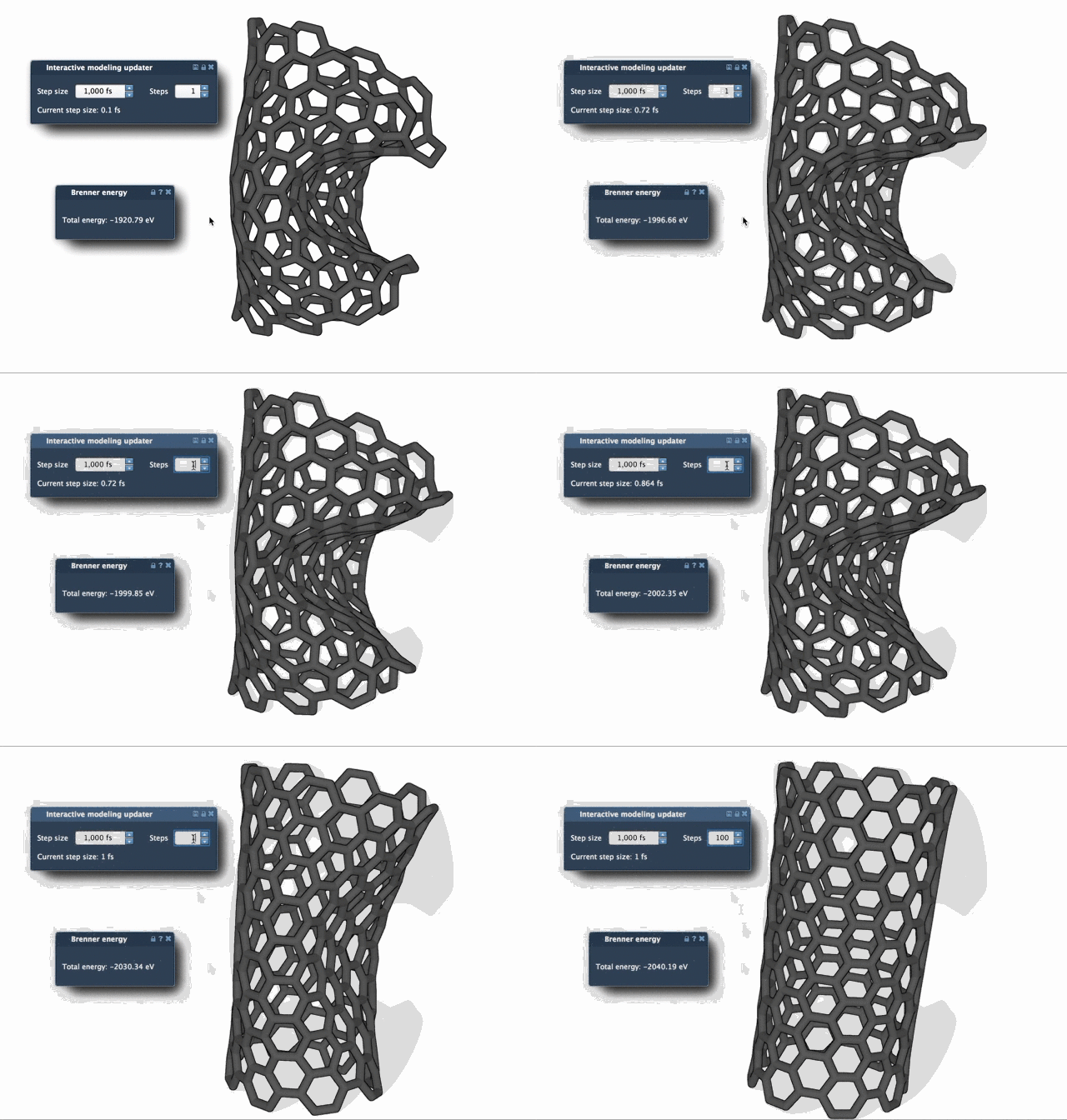
These controls affect different parts of the experience. In particular, Steps changes how often you see an update, not the number of FIRE steps needed to reach a minimum. Increasing it gives you less frequent but more pronounced visual updates, which can make the motion easier to follow. If you are trying to understand what the minimizer is doing, begin with a smaller update interval; once the behavior is clear, increase the value if you prefer a less frequently refreshed view.
Watch the geometry, not just the energy
FIRE can be helpful when the structure continues to move noticeably even though the potential energy changes only a little. That is one reason a simple energy readout may not tell the whole story during relaxation. Observe the molecular geometry as well, and consider whether the movement is appropriate for the modeling task.
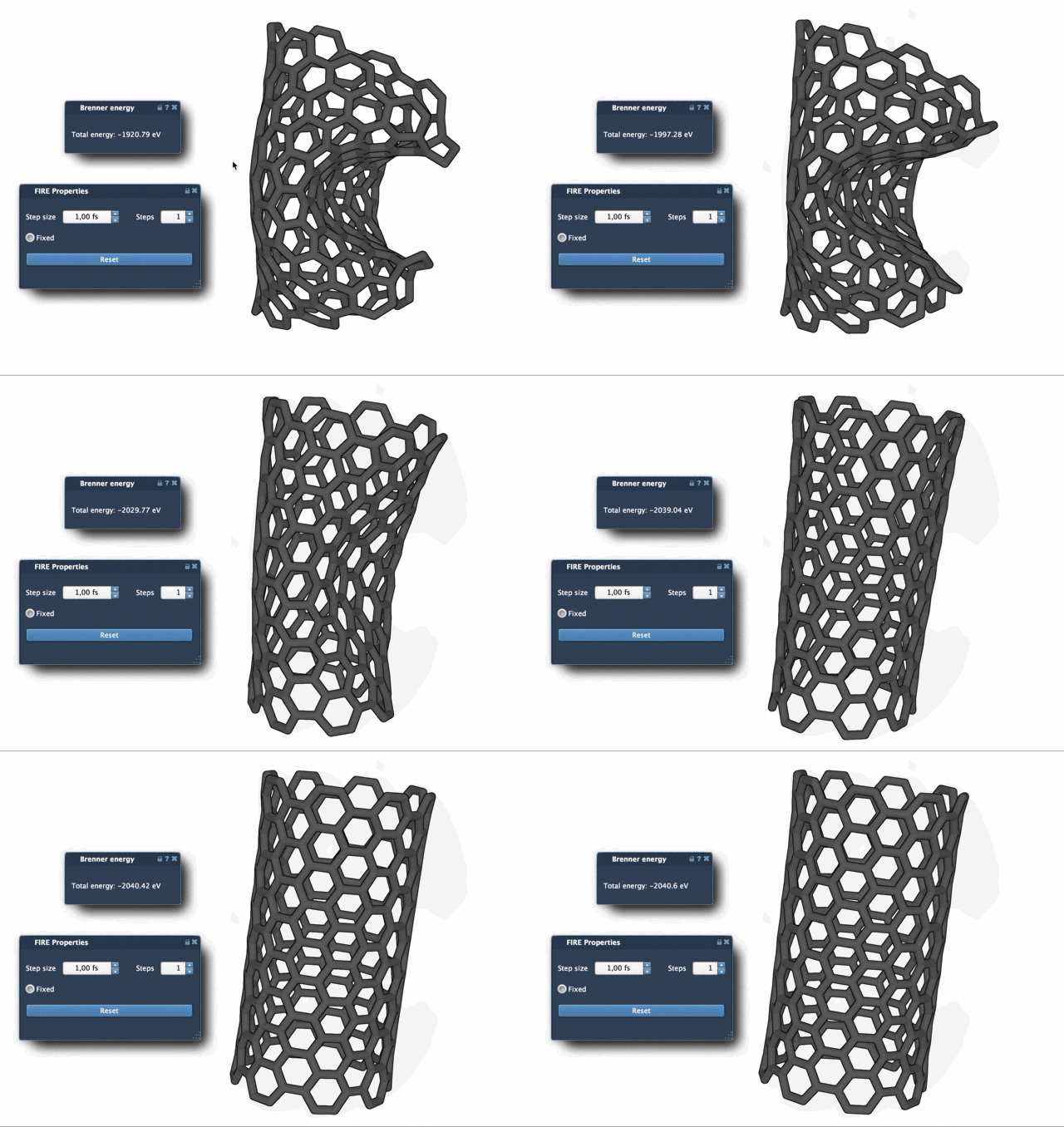
The comparison below shows steepest descent relaxation. The two animations provide a visual way to compare how the methods progress; the most suitable choice depends on the system and workflow.
One useful reset
Interactive work can involve manually moving atoms while minimization is running. If you do this and want to clear FIRE’s accumulated history, press Reset. This is a practical step after an intervention: it tells the minimizer to continue without relying on the previous history.
Keep the modeling context in view
Geometry optimization is not a substitute for choosing an appropriate interaction model or checking whether the resulting structure makes sense for your purpose. FIRE performs minimization within the simulator setup you selected; it does not, by itself, establish that the model or the final structure is biologically or chemically correct. Treat relaxation as one stage in a workflow, and inspect the result before using it in later analysis or simulation.
FIRE is also used by SAMSON extensions that need geometry optimization. For example, the Molecular Restrainer extension uses it for energy minimization of NMR-derived structures. To see the complete setup and learn more about FIRE in SAMSON, visit the FIRE Minimizer tutorial.
Note: SAMSON and all SAMSON Extensions are free for non-commercial use. Get SAMSON.