



Creating carbon nanotube (CNT) models often requires navigating parameters, scripting input files, or searching through existing structures. For molecular designers and simulation researchers, this can slow down workflow, especially when trying to design specific geometries for mechanical or transport studies.
Thankfully, the Nanotube Creator Extension in SAMSON provides an intuitive and much faster approach: building single-walled or multi-walled CNTs directly in the 3D viewport using just the mouse.
Why use interactive building?
Manual 3D modeling often requires significant time and error-checking, especially when dealing with chirality (n, m values), length axes, or precise placement. With the interactive method in SAMSON, users directly define the geometry in two quick actions without leaving the viewport:
- Step 1: Set the tube axis and length by pressing and dragging the left mouse button.
- Step 2: Release the mouse button, move the cursor to adjust the radius, and click again to confirm.
Throughout this process, the status bar guides you with live updates on currently selected n and m values, enabling fine-tuned control while staying visual.
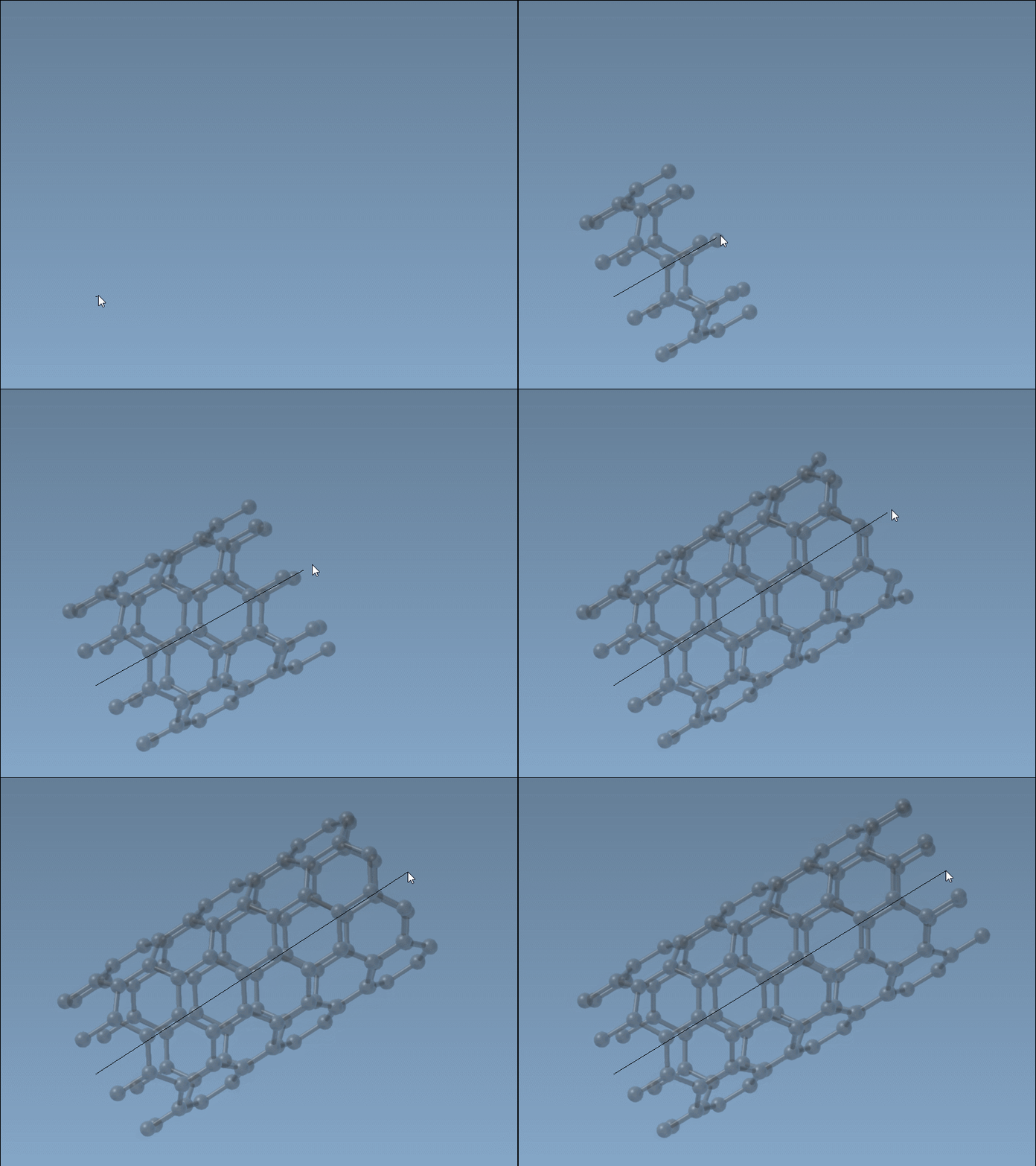
Above: You can set the CNT direction and length with one motion. Then define the radius visually:
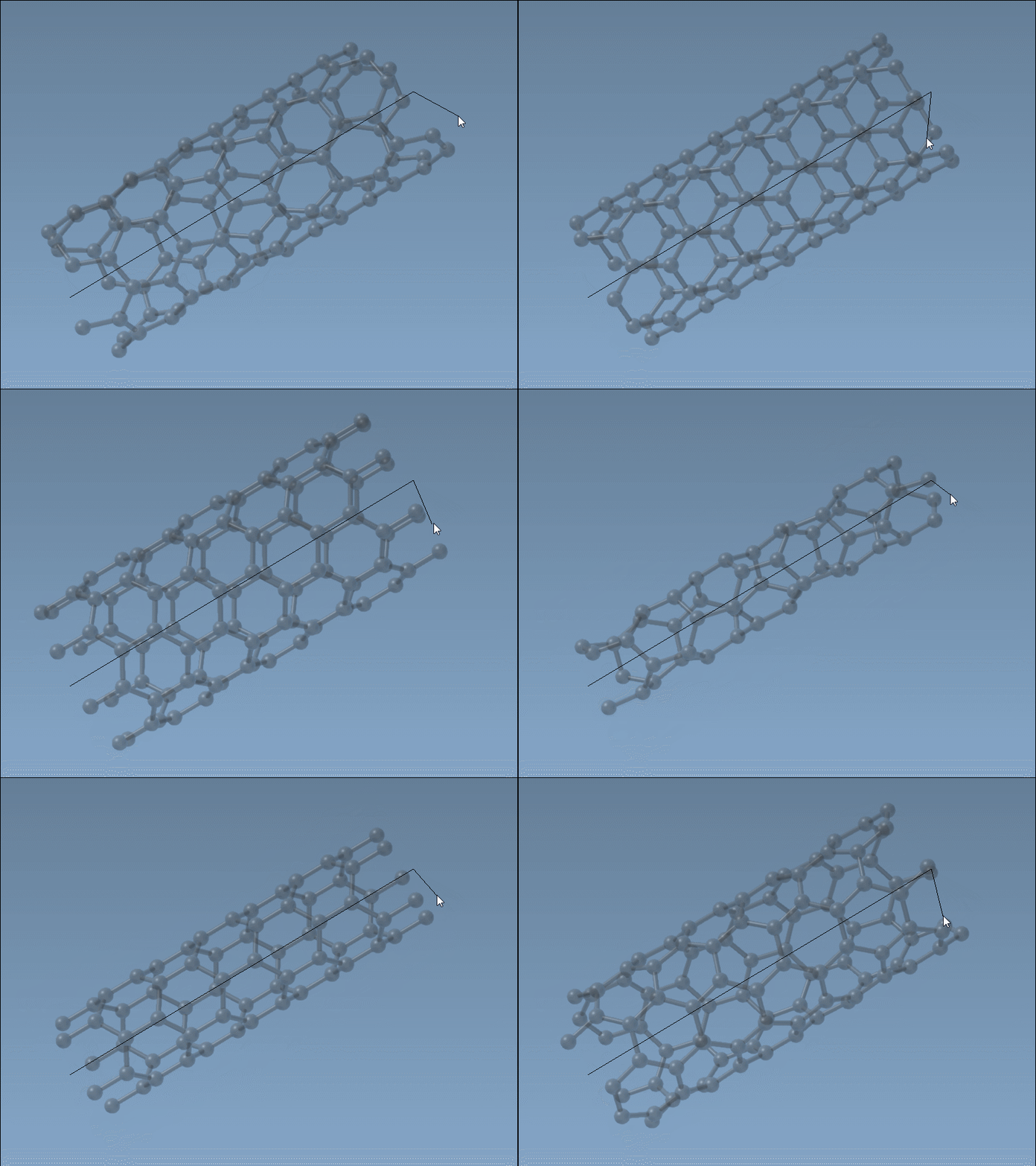
Speed, flexibility, and feedback
Once you activate the Nanotube Creator, you don’t have to input coordinates or interpret parametric formulas unless you want to. This is useful when quickly testing concepts such as molecular channels, NEMS devices, or carbon nanopore topologies before moving into detailed simulations.
Even advanced users may prefer this approach at the early design stage—it helps visualize structures in context before committing to simulation parameters. Of course, if exact specifications are required, the graphical interface is also available.
How to activate the editor
To start drawing CNTs interactively:
- Install the Nanotube Creator Extension.
- Restart SAMSON, then activate the editor from the “Materials” section in the left-side viewport menu.
- Alternatively, press
Shift + Eand search for “Nanotube Creator”.

Once active, proceed to click-drag to instantly define your nanotube shape. This mode supports single- and multi-wall architectures—ideal for designing bundles or concentric systems.
When does this help?
- You need a quick visual prototype of a CNT-based sensor or membrane.
- You want to explore how n/m combinations influence diameter, handedness, or morphology.
- You’re preparing molecular systems where spatial orientation matters (e.g., aligned on a channel axis).
Interactive building reduces cognitive load and accelerates your early-stage modeling. For a full tutorial, including GUI use and detailed parameter control, visit the full guide below.
Learn more in the official documentation.
SAMSON and all SAMSON Extensions are free for non-commercial use. You can get SAMSON from the official website.