



Crystals are renowned for their structural perfection, but in many cases, it is precisely their imperfections that lead to unique and intriguing material properties. Ever wondered how defects in a diamond crystal affect its structure? Let’s explore this fascinating topic using the Crystal Creator Extension in SAMSON!
Understanding Crystal Defects
Crystal defects—such as vacancies, substitutions, and interstitials—are deviations from the ideal, repeating arrangement of atoms in a crystalline material. These defects can influence a material’s mechanical, electronic, and optical properties. By introducing controlled defects, researchers in materials science can tailor these properties for specific applications.
In this guide, we’ll work on a diamond crystal and explore how to model defects step-by-step in SAMSON.
Step-by-Step: Introducing Defects in a Diamond Crystal
1. Load the Diamond Structure
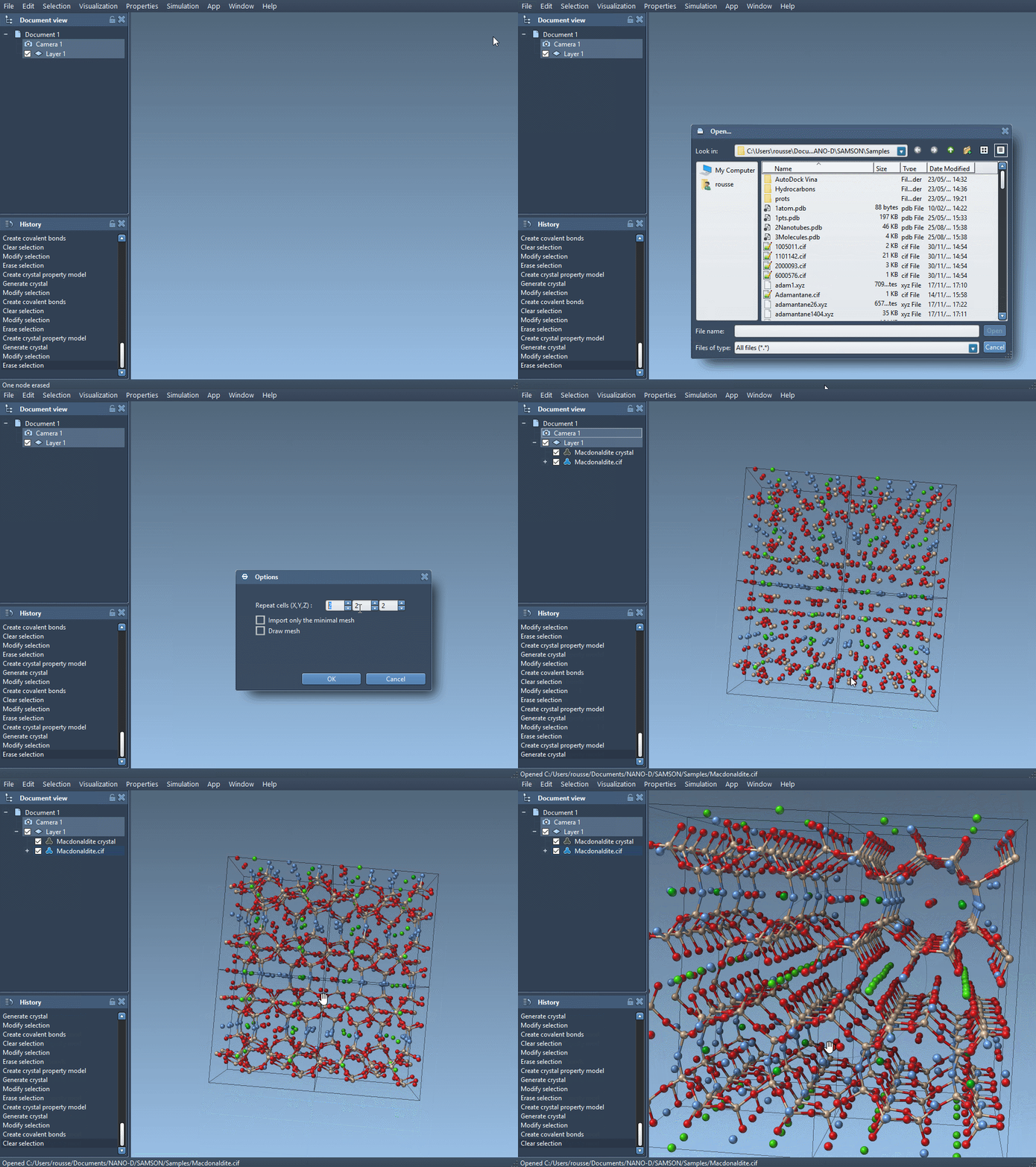
Start by loading a diamond crystal file (in .cif format) into SAMSON using the Crystal Creator Extension. If you don’t already have the extension installed, you can download it from the SAMSON Marketplace.
Once loaded, visualize the structure of the diamond and use SAMSON’s tools to create bonds between the atoms. This will give you a clear picture of the lattice structure of diamond.
2. Minimize the Structure
To ensure an optimal structural configuration, minimize the loaded diamond structure using the Brenner interaction model. This step relaxes the model to a stable structure.
3. Modify the CIF File
Make a copy of your .cif file and open it in a text editor. In the original file, you might find a section like this:
|
1 2 3 4 5 6 7 |
loop_ _atom_site_label _atom_site_fract_x _atom_site_fract_y _atom_site_fract_z C 0.00000 0.00000 0.00000 |
To introduce defects, modify this section to include occupancy probabilities for the atoms. For example:
|
1 2 3 4 5 6 7 8 |
loop_ _atom_site_label _atom_site_fract_x _atom_site_fract_y _atom_site_fract_z _atom_site_occupancy C 0.00000 0.00000 0.00000 0.95 |
The new column, _atom_site_occupancy, defines the probability of each atom being present. In this case, the carbon atom has a 95% probability of occupying its site, introducing a vacancy defect.
4. Reload the Modified CIF File
Load the modified file back into SAMSON. Use the Crystal Creator Extension to visualize the updated structure and create bonds. You’ll notice the impact of the introduced defects on the lattice structure.
5. Observe and Compare
Compare the original diamond structure and the modified structure with defects. How has the introduction of vacancies changed the lattice? SAMSON’s tools allow you to zoom in and analyze subtle differences.
Why Study Defects?
Defects in crystals like diamond are not just imperfections—they are opportunities. In materials science and molecular modeling, controlled defects are used to fine-tune material properties, paving the way for innovation in multiple fields, from electronics to nanotechnology.
Learn More
If you’re curious about modeling crystals and exploring their properties, check out the full tutorial at SAMSON’s Crystal Creator documentation.
SAMSON and all SAMSON Extensions are free for non-commercial use. Download SAMSON today to start exploring molecular design at SAMSON Connect.