



For molecular modelers and nanotechnology enthusiasts, creating precise carbon nanotube (CNT) models can be a daunting task, especially without the right tools. Fine-tuning the structure’s parameters like axis, length, and radius often feels cumbersome and unintuitive. Luckily, SAMSON offers an interactive method to overcome this challenge: building CNTs directly in the viewport using your mouse. This blog post explores how to leverage this feature for quick and precise modeling.
Why Choose Interactive CNT Creation?
The interactive method for creating CNTs in SAMSON focuses on simplicity and speed. By using your mouse, you can visually define nanotube properties in real-time:
- Set the length and orientation along the desired axis intuitively.
- Adjust parameters like
n(length) andm(radius) dynamically. - Receive immediate feedback on the structure through the status bar, reducing guesswork.
This hands-on approach is perfect for those wanting to experiment with CNT designs or create models without diving into parameter-heavy interfaces at first.
Step-by-Step: How to Create CNTs in the Viewport
Follow these simple steps to start building CNTs interactively in the viewport:
- Set the nanotube axis and length:
Use the left mouse button to click and drag in the viewport. This establishes the nanotube’s axis andnlength parameter. Keep an eye on the status bar for exact orientations and lengths as feedback is provided in real-time.

- Define the radius (m parameter):
Once you’ve set the length, release the mouse button. Then, move the mouse to adjust the radius and watch the status bar for precisemvalues. Click the left mouse button again to confirm the radius.
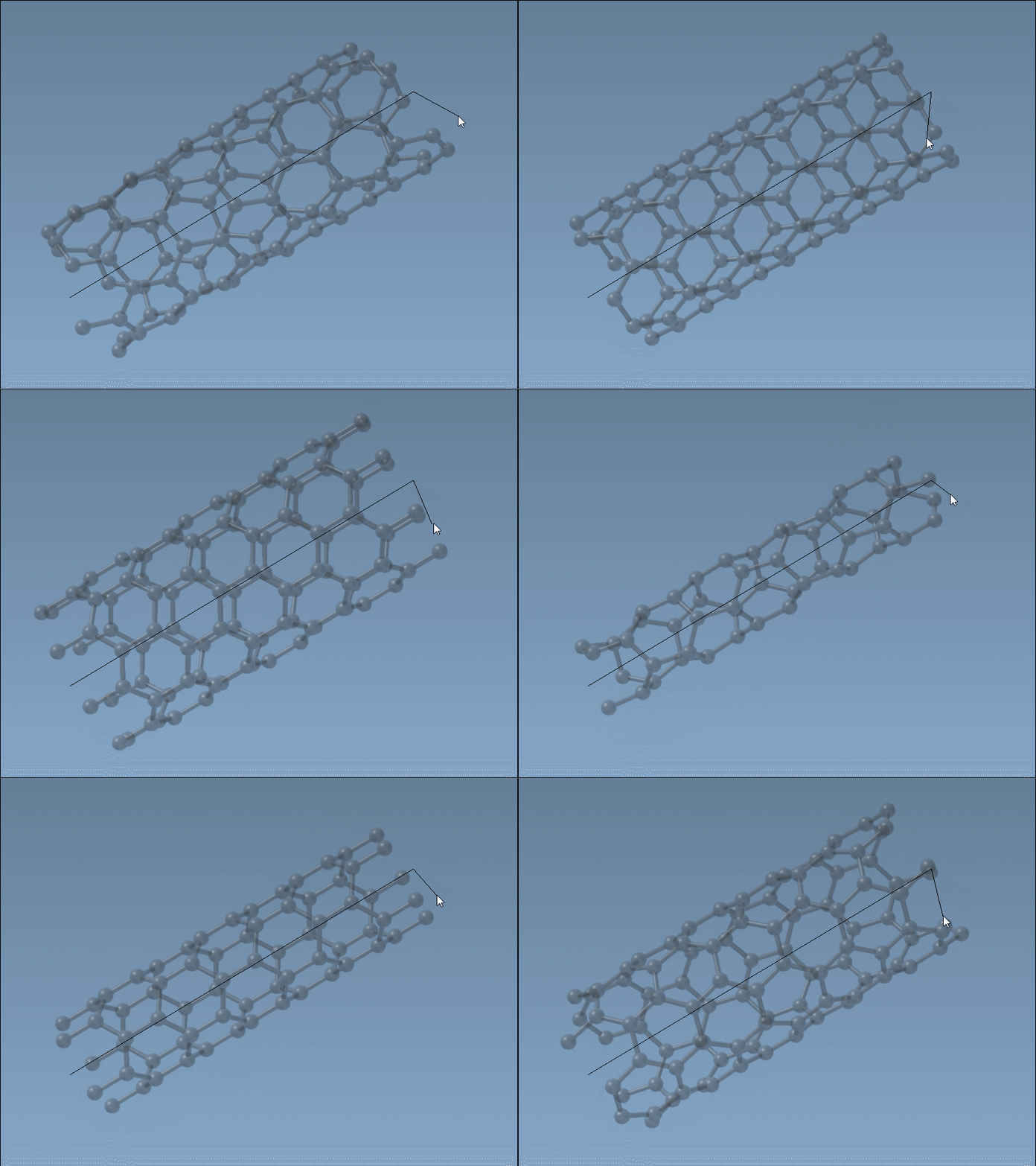
This method simplifies the process significantly while maintaining precision. The dynamic feedback saves time and ensures parameters like n and m are accurate without trial and error.
Why Feedback Matters
Real-time feedback is core to this interactive method. The status bar displays live orientation axes and nanotube dimensions, reducing ambiguity. This instant feedback ensures your CNT aligns perfectly with your design goals, whether for simulations, material studies, or advanced analyses.
Ready to Explore?
Interactive CNT creation provides a user-friendly gateway to explore nanotube modeling. Once you’re comfortable with this method, you can delve deeper into more parameterized setups using SAMSON’s graphical interface, allowing for even finer control of multi-walled CNTs and other complex structures.
To learn more about building CNT models in SAMSON, including alternate methods and advanced customization, visit the documentation page.
Note: SAMSON and all SAMSON Extensions are free for non-commercial use. Download SAMSON today to start exploring molecular design and nanotechnology!