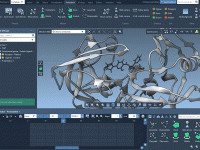
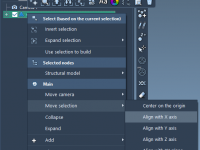
Efficiently Switch Between Molecular Views Using Multiple Cameras in SAMSON

When working on complex molecular structures in SAMSON, navigating efficiently between different viewpoints can significantly improve your productivity and understanding of the system. Whether you’re analyzing binding pockets, exploring lattice arrangements, or reporting structure-function relationships, switching views without hassle is…
Easier Group Selection During MD: Creating Custom GROMACS Index Groups in SAMSON
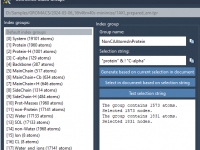
Molecular dynamics (MD) simulations often require targeted control or analysis of specific parts of a structure—for example, calculating forces on side chains, analyzing water clusters, or applying constraints to ligand atoms. GROMACS automatically generates standard atom groups (like Protein, Water,…
From Design to Simulation: Exporting DNA Nanostructures for oxDNA in Adenita

Let Your Molecules Fade Out Gracefully with the Disappear Animation
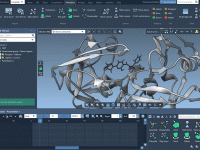
In molecular modeling, clarity is key. Whether you’re presenting a simulation, building an educational video, or simply exploring complex biomolecular structures, drawing attention to specific components while minimizing distractions can greatly improve communication. One common challenge modelers face is how…
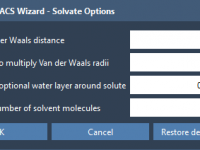
Avoiding Solvent Clashes in Coarse-Grained Simulations with GROMACS Wizard
Quickly Select Aromatic Carbons (and More) with Atom Attributes in NSL
Avoid Repeating Simulations by Recording Atom Paths in SAMSON
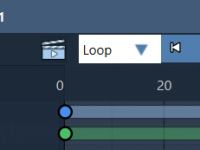
When working on molecular simulations or structural rearrangements, animation workflows can become repetitive and time-consuming. A common challenge for molecular modelers is ensuring that once they achieve the right animation involving atom movements—for example, docking, simulated dynamics, or manual manipulation—they…