



When working with crystallographic or biological assemblies of proteins, understanding how subunits are arranged is essential. Whether you’re modeling quaternary structures or designing symmetric nanostructures, replicating and visualizing symmetric interfaces can be a key step. But generating all symmetry mates at once can be confusing—what if you want to preview how a replica fits in space before committing to generating it?
This is where the Symmetry Mate Editor in SAMSON can make your workflow significantly smoother. One of its most useful but easy-to-miss features is the ability to preview symmetry mates in real time before permanently adding them to your model.
How It Works
Once you’ve activated the Symmetry Mate Editor in SAMSON (via Shift+E or … > General > Symmetry Mate Editor), symmetric transformation nodes appear around your protein. These control nodes represent possible symmetry mates extracted from the CRYST1 or BIOMT records of the PDB file.
Now, instead of clicking and adding all of them—potentially overwhelming your workspace—you can simply hover over a control node. As you do, a transparent preview of the corresponding protein replica appears instantly in the viewport. This lets you:
- Assess whether the replica spatially overlaps with existing chains
- Identify potential interaction interfaces at a glance
- Explore symmetrical patterns formed by the replicas
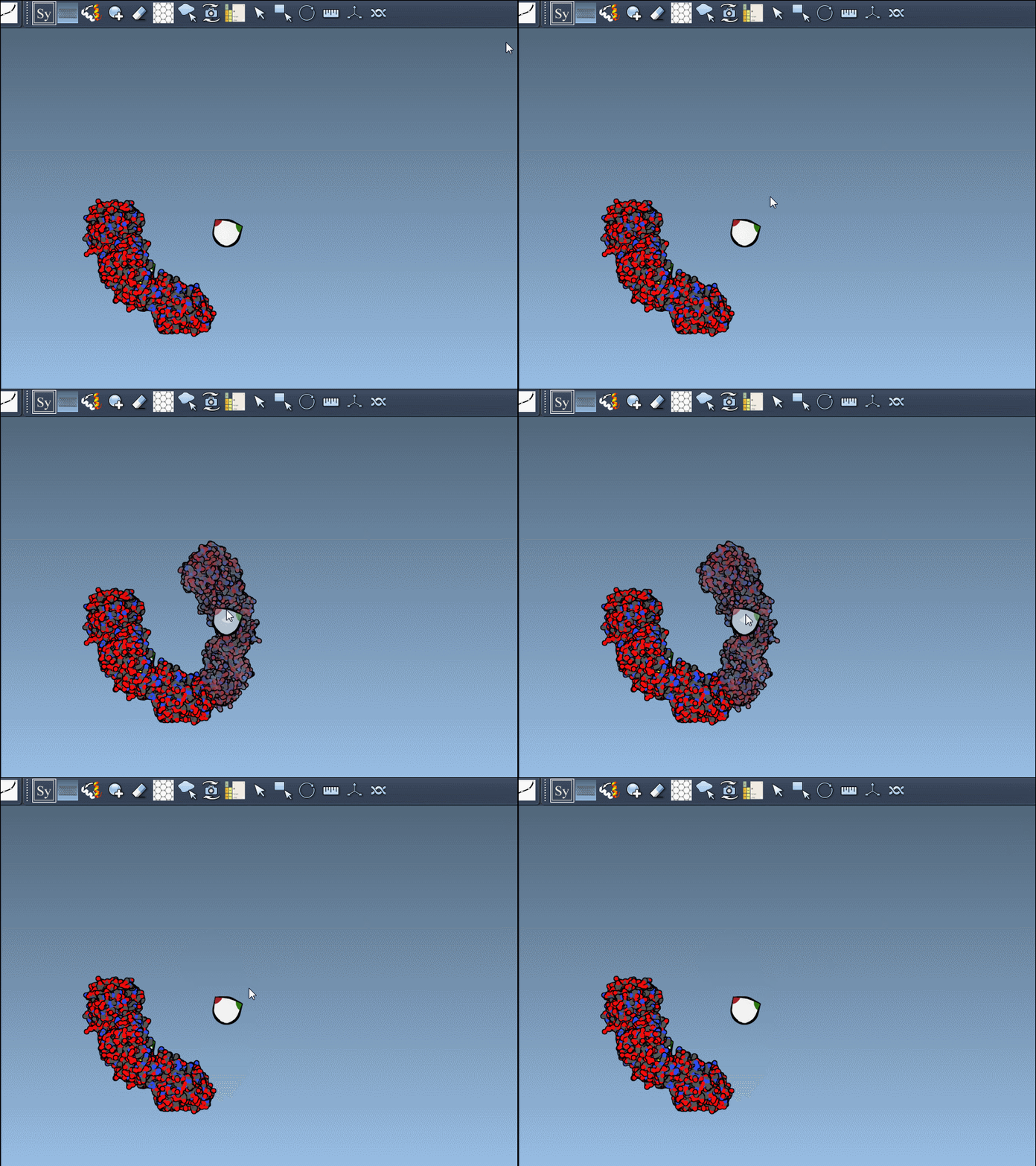
A Click Away
Once you’re happy with a previewed replica, left-click the corresponding node to permanently generate it. This interactiveness allows you to explore and build your structure iteratively and without committing to major changes until you’re sure. You can undo any generated replica later using Ctrl+Z (Cmd+Z on macOS).
Tips for Better Exploration
- Use your mouse wheel while holding
Ctrl/Cmdto control how many nodes appear. This can help reduce clutter or give you a bird’s-eye view of all possible transformations. - Combine this with the Ribbons visual model and color chains individually to better distinguish native from symmetric replicas.
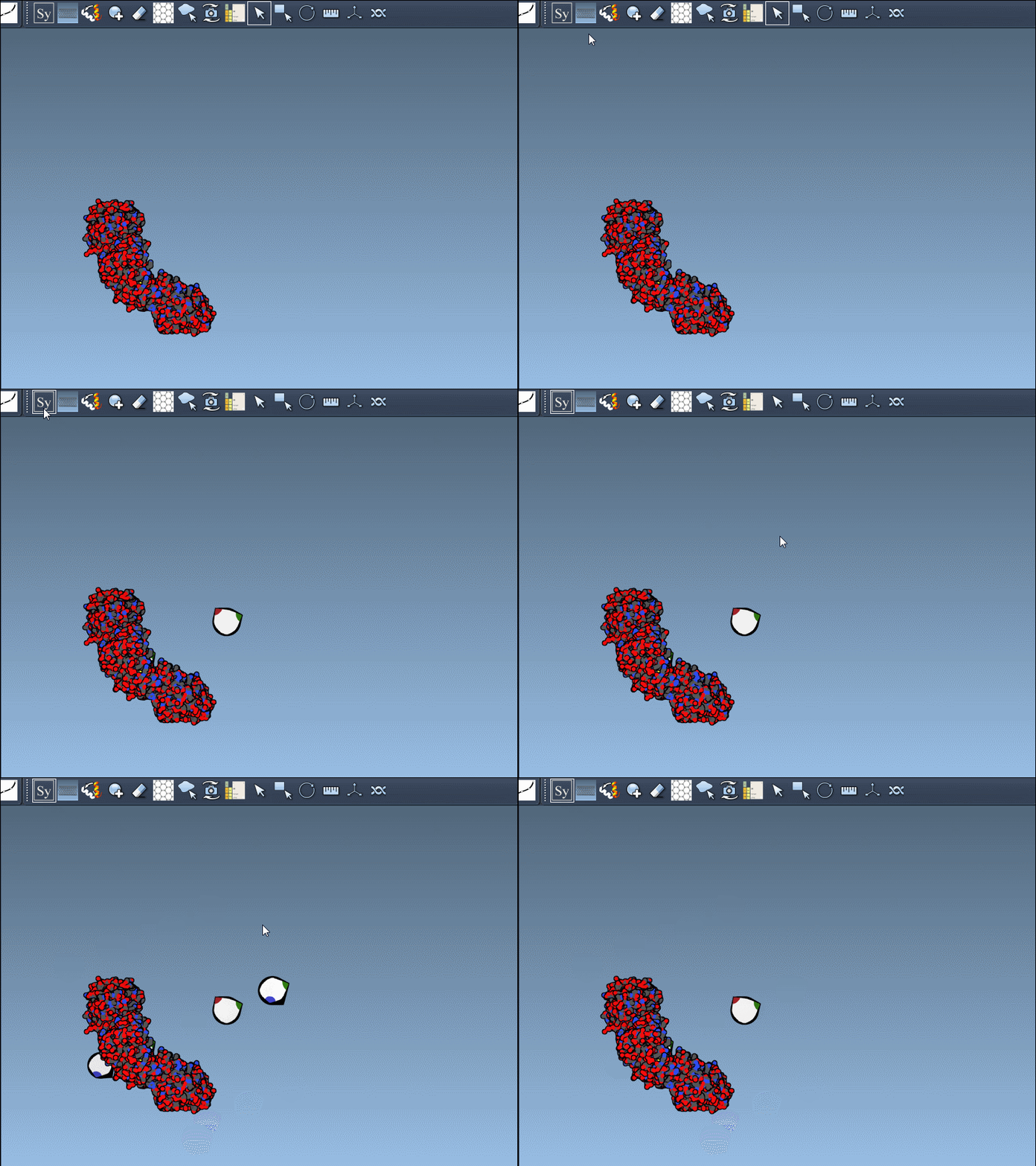
This simple preview-and-click strategy can reduce errors and accelerate your modeling workflow, especially when dealing with large symmetric complexes. It’s an intuitive way to build structures more thoughtfully and visually.
To learn more, visit the full documentation at https://documentation.samson-connect.net/tutorials/symmetry/generating-symmetry-mates/.
SAMSON and all SAMSON Extensions are free for non-commercial use. You can get SAMSON at https://www.samson-connect.net.