



Carbon nanotubes (CNTs) are revolutionary materials in nanotechnology, molecular design, and computational materials science. Whether you’re designing nanodevices, conducting molecular simulations, or studying properties of CNTs, SAMSON’s Nanotube Creator offers a straightforward way to create these structures. Here’s a comprehensive guide to getting started with CNT models in SAMSON, addressing one of the most common challenges for molecular modelers: the need for tools that blend precision and ease of use.
Why Build Carbon Nanotube Models?
CNTs can be employed in various applications, such as designing nanosensors, simulating molecular transport systems, or building nanoelectromechanical systems (NEMS). However, building these models manually is time-consuming and tedious. With the Nanotube Creator in SAMSON, this process becomes faster, more intuitive, and highly customizable to suit your research needs.
Interactive Nanotube Creation: A Quick How-To
Method 1 – Build Nanotubes Interactively in the Viewport
Using this method, you can create CNTs visually in the SAMSON viewport in just two straightforward steps:
- Define the axis and length: Use the left mouse button to press, drag, and determine the nanotube’s axis and length. The software provides real-time feedback on the tube’s orientation and length in the status bar.

- Set the radius: Release the mouse button, move the mouse to adjust the nanotube’s radius, and click again to confirm.
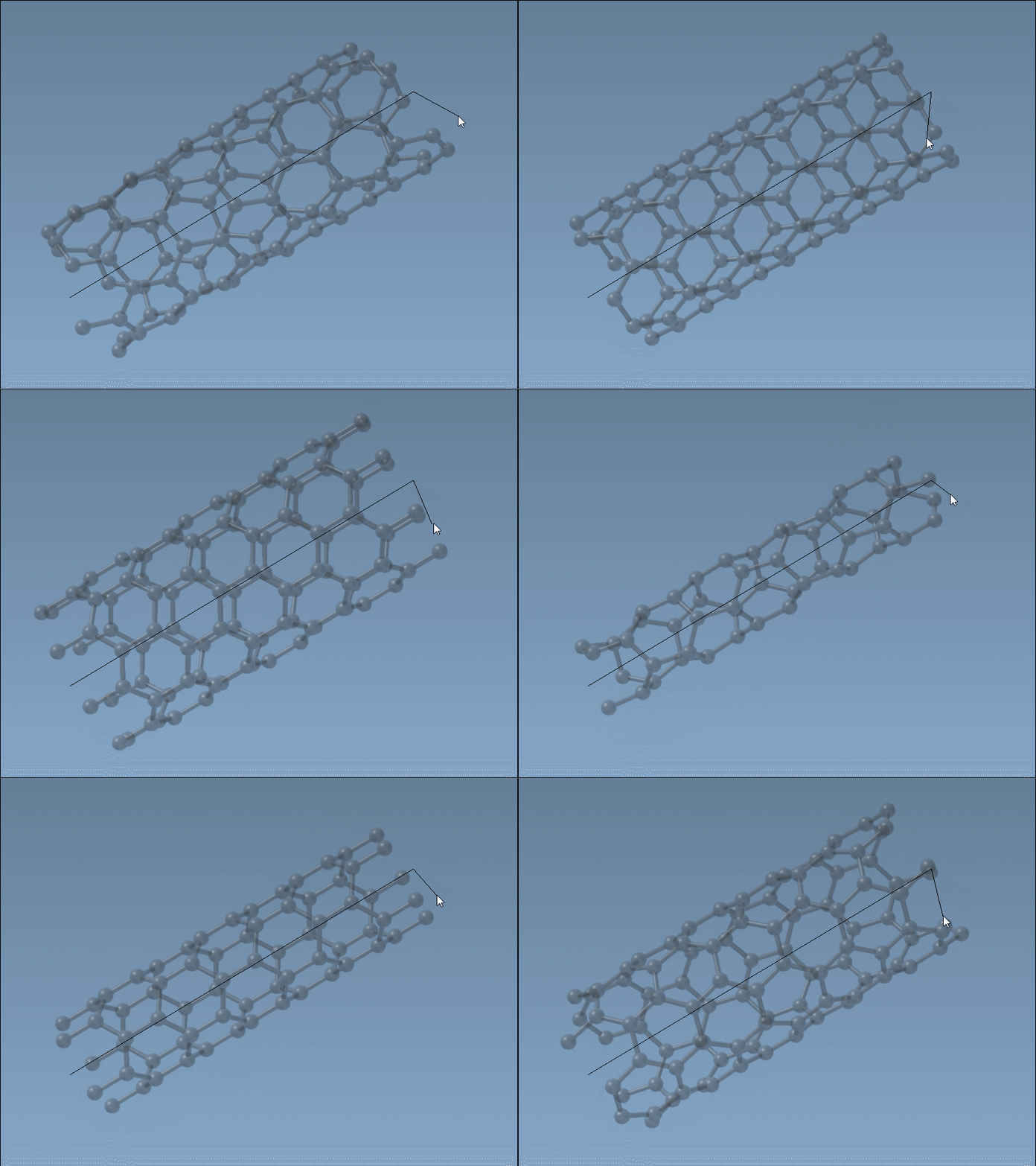
This interactive process ensures a responsive and precise method to develop nanotubes. You can adjust the parameters (n and m) in real-time to define the structure’s specific chirality.
Tips for Success
- Watch the status bar closely for accurate feedback on the axis and radius.
- Use this method for quick builds or prototyping nanotube models.
- Experiment with varying radii to explore single-walled or multi-walled structures.
Want More Control? Use the Graphical Interface
For users who prefer detailed parameterization, the Nanotube Creator’s GUI provides a robust solution. Activate the editor from the left-side menu (… > Materials > Nanotube Creator) or use the keyboard shortcut Shift+E, then search “Nanotube Creator.” This interface allows you to set parameters like start/end positions and radial values manually.
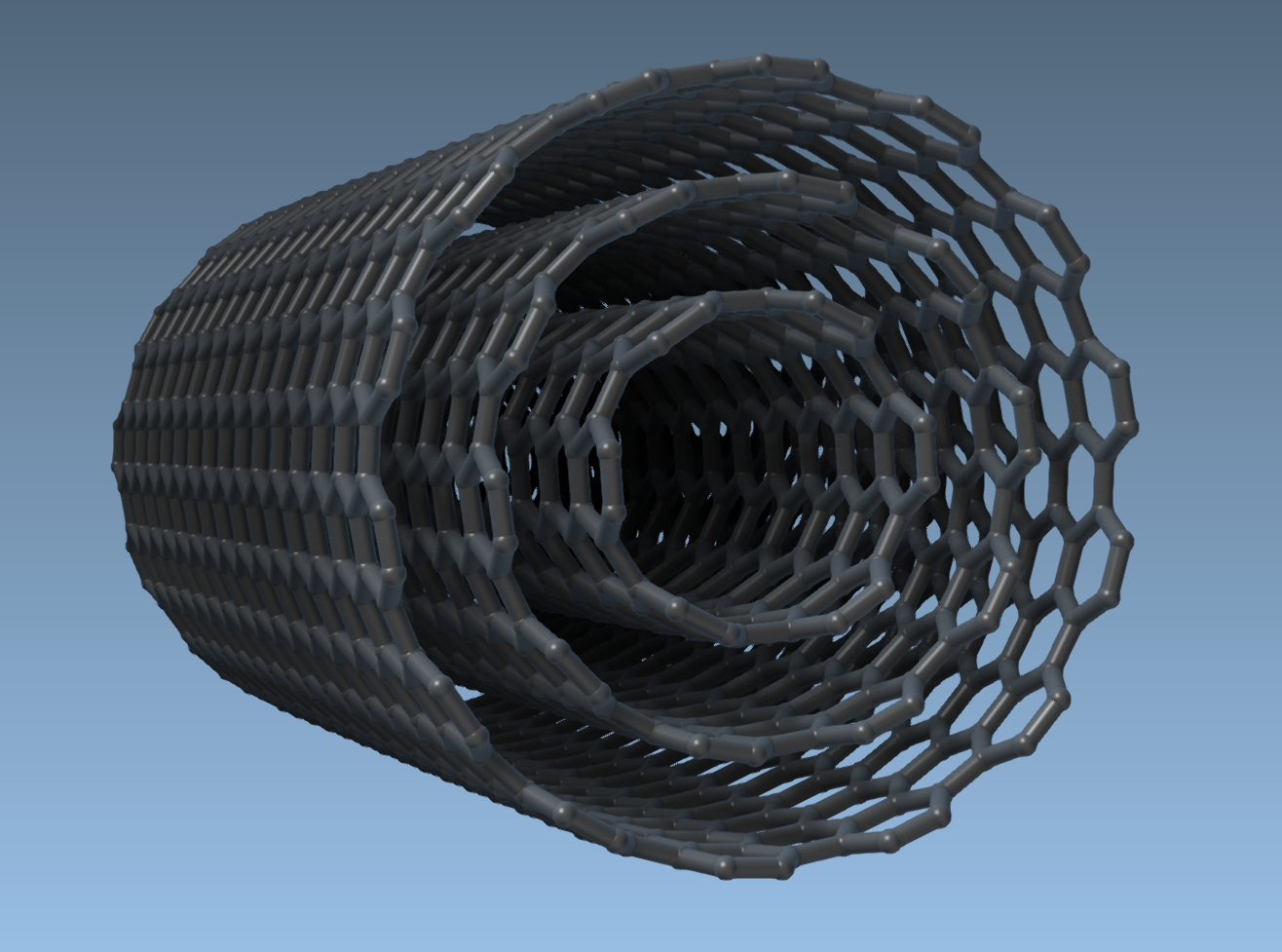
Additionally, with the GUI, creating multi-walled nanotubes is straightforward. For instance, here’s how you can build a three-layer concentric nanotube structure:
- Set the positions: Start at
(0, 0, 0)and end at(40, 0, 0)(for a 40 Å nanotube along the x-axis). - Create CNT 1: Use
n = 6,m = 6and click Build. - Create CNT 2: Use
n = 10,m = 10and click Build. - Create CNT 3: Use
n = 14,m = 14and click Build.
This process results in a seamless multi-walled nanotube, ready for further molecular studies.
What’s Next?
Once you’ve built your carbon nanotube model, you can:
- Visualize it and export professional-grade images using SAMSON’s visualization tools.
- Simulate nanotube behavior in real-time with molecular potentials, like the Brenner potential.
- Integrate CNTs with other molecules to create hybrid nanostructures.
These workflows are particularly valuable for molecular transport simulations, drug delivery research, and studying CNT-specific properties like conductivity or thermal behavior.
For a deeper dive into creating and customizing CNTs in SAMSON, visit the full documentation at SAMSON Documentation.
Note: SAMSON and all SAMSON Extensions are free for non-commercial use. You can download SAMSON at SAMSON Connect.