



Molecular modelers often face the challenge of achieving stable, energy-efficient molecular geometries quickly and efficiently. Whether you’re optimizing structures for simulations or cleaning up experimental data to make them usable, achieving accurate results without consuming significant computational resources is crucial. This is where the FIRE Minimizer (Fast Inertial Relaxation Engine) in SAMSON can make a significant difference.
Why Optimize Molecular Geometry?
Refining molecular geometries goes beyond aesthetics—it’s critical to ensure the physical accuracy of your models. Precise geometry optimizations allow cleaner molecular interactions and enable smoother simulations, aligning with real-world behavior. However, traditional methods like steepest descent often prove slow, particularly when dealing with large-scale motions in molecules. The FIRE Minimizer offers a faster alternative that excels in these scenarios.
What Makes FIRE Special?
The FIRE algorithm is designed to converge faster than conventional methods, especially during collective molecular motions where geometry changes are significant, but potential energy changes are subtle. Unlike steepest descent, FIRE minimizes energy efficiently while maintaining stability, helping molecular modelers save valuable time and computational resources.
Key Benefits of the FIRE Minimizer:
- Rapid convergence for large-scale molecular changes.
- Universal compatibility with all SAMSON interaction models.
- Ideal for pre-simulation cleanup and structural relaxation.
Getting Started with FIRE Minimizer
Setting up the FIRE Minimizer in SAMSON is user-friendly and straightforward. Here’s a step-by-step guide to integrate it into your workflow:
1. Load a Molecular System
First, load your molecule file. SAMSON supports popular formats such as PDB, MOL2, and more. If you’re unsure how to load molecules, refer to the Loading Molecules Guide for detailed instructions.
2. Add a Simulator
Next, access the simulator settings in SAMSON:
- Navigate to
Edit > Add Simulatorin SAMSON. - Select the desired interaction model based on your requirements.
- Choose FIRE from the State Updaters list.
For more details on this process, you can explore the Simulators Overview.
Using FIRE Minimizer Settings
The FIRE Minimizer offers a variety of settings to help you fine-tune your molecular optimizations:
| Setting | Description |
|---|---|
| Step size | Specifies the initial integration step for the minimization process. |
| Steps | Defines how many FIRE iterations occur before updating the visual viewport. |
| Fixed | Allows the step size to remain constant (optional). |
You can also reset the minimizer history via the Reset button whenever you make manual adjustments to the molecular structure during minimization.
FIRE vs. Steepest Descent
The difference between FIRE and steepest descent methods is clearly observable: while steepest descent converges at a slower pace, especially during large geometric changes, FIRE can handle such motions efficiently. The reduction in processing time is particularly noticeable in extensive simulation workflows. Here’s an illustrative example:
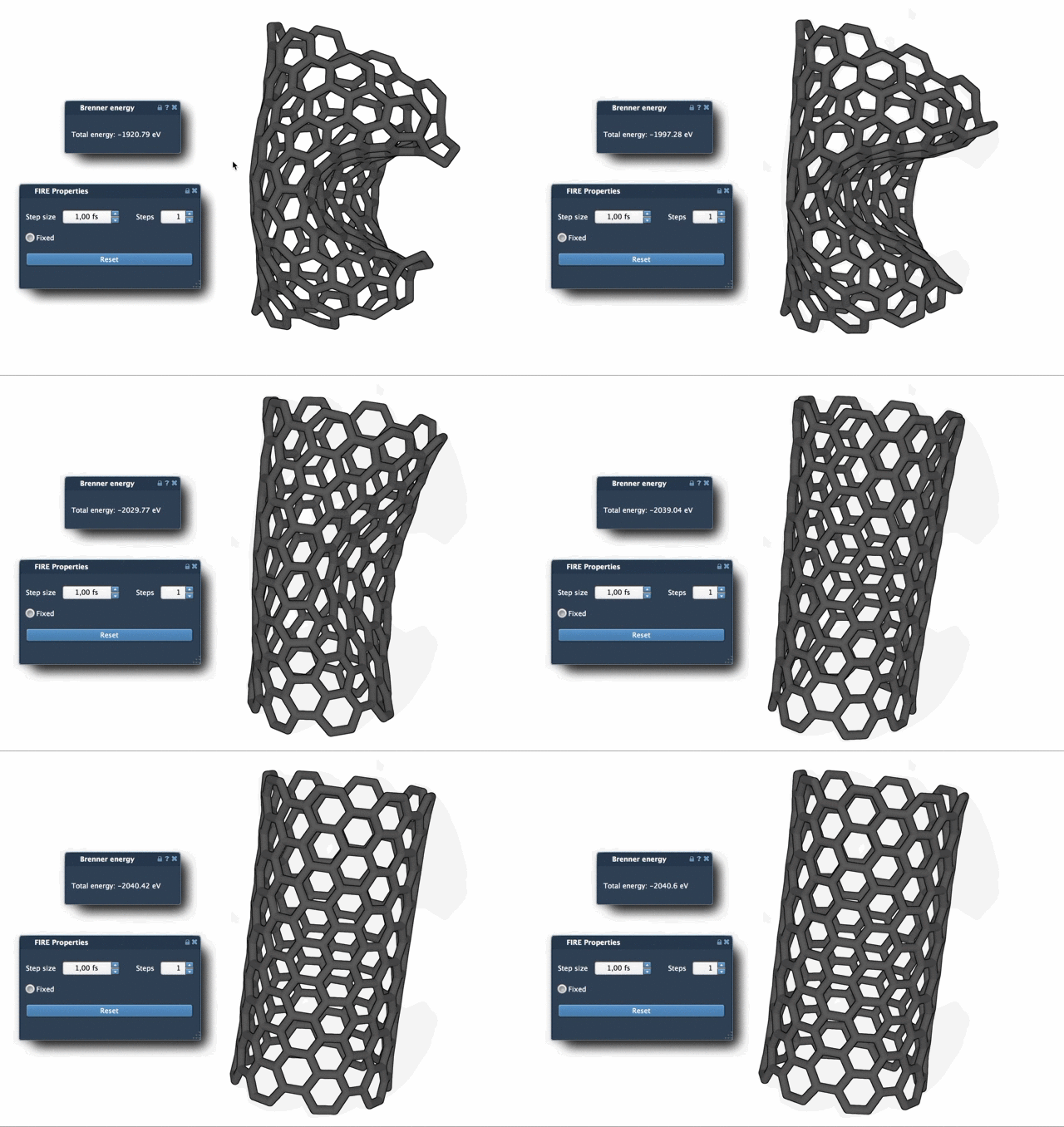
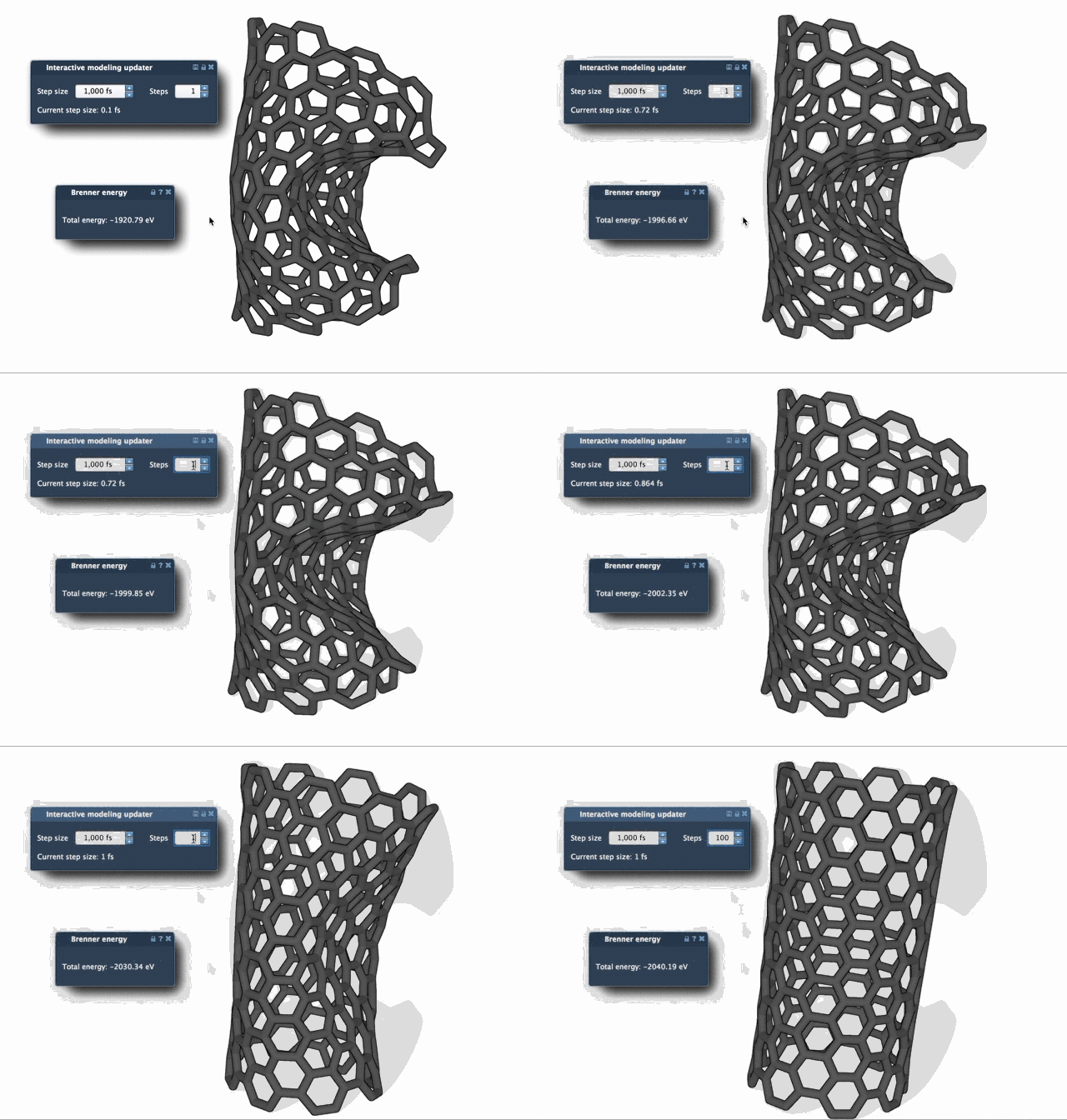
Increasing the Steps value can make updates less frequent but more pronounced, allowing you to observe changes more clearly.
Conclusion
The FIRE Minimizer is a powerful tool for molecular modelers looking to optimize geometries quickly and effectively. If you work with large systems or require rapid pre-simulation cleanup, this algorithm can save you time and improve the stability of your models.
To fully explore the capabilities of the FIRE Minimizer, visit the original documentation page at this link.
SAMSON and all SAMSON Extensions are free for non-commercial use. To get SAMSON and explore molecular modeling tools, visit SAMSON Connect.