



A common challenge in molecular modeling is easy to describe and difficult to handle: you have two structures of the same protein in different conformations, but they do not contain exactly the same residues. How can you create a transition between them without treating a simple interpolation as a validated description of how the protein moves?
The SARS-CoV-2 spike opening example offers a useful case study. It connects the closed spike structure, PDB 6VXX, with the open structure, PDB 6VYB. The open conformation exposes the receptor-binding domain, which can bind the human ACE2 receptor. The challenge is that the two structures differ in residue count, so the endpoint correspondence needed for a transition-path calculation is not straightforward.
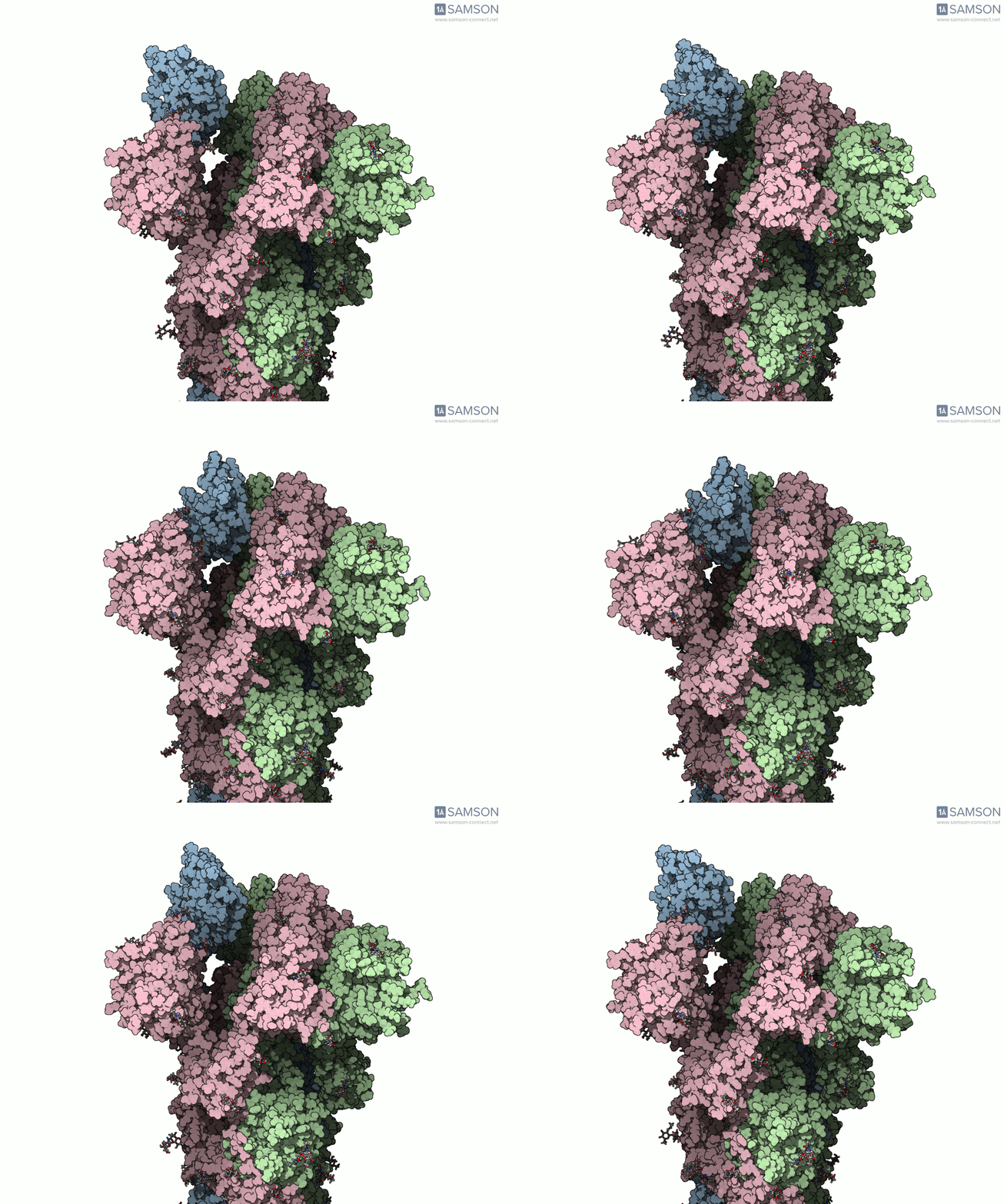
Why the mismatch matters
A path calculation needs compatible representations of its starting and goal structures. If one structure contains residues or atoms that are absent from the other, the software cannot simply pair every atom at one endpoint with an equivalent atom at the other. The issue is more than a file-format inconvenience: it affects what structure the computed path actually represents.
In this example, the workflow addresses the mismatch by first generating an interpolated path and then using a conformation along that path to construct a compatible closed-state goal. That adapted conformation is minimized before it is used in a second interpolation. The result is a practical modeling workflow—not a claim that the endpoints have become experimentally identical or that every intermediate is a real biological state.
A two-stage route from endpoints to a refined path
- Prepare both structures. The workflow adjusts bond orders in the sugar molecules, adds hydrogens, and performs minimization. Correct bond information is needed before adding hydrogens, so the sugars are handled first.
- Create an initial interpolation. The ARAP Interpolation Path module generates a path between the known conformations. In the documented calculation, the open structure is used as the starting conformation and the closed structure as the goal. ARAP produces a path for the starting structure.
- Make a compatible closed-state conformation. Because the endpoint structures differ in residue count, a conformation representing the closed state is taken from the initial path and minimized. This gives the workflow a closed-state goal that corresponds to the structure being used for the path.
- Generate and refine the path. ARAP is run again using the adapted closed conformation as the goal. The resulting path is then improved with the Parallel Nudged Elastic Band (P-NEB) module. The documented timings—under half a minute for the ARAP path and about 15 minutes for P-NEB—are examples from a laptop, not performance guarantees.
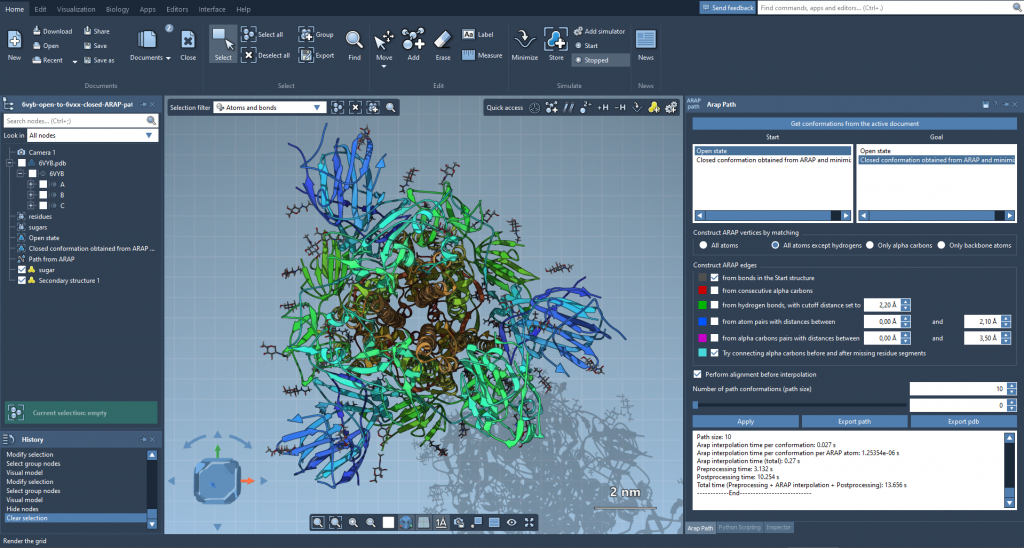
Interpolation provides a route between endpoint structures; subsequent refinement is a separate modeling step.

P-NEB is used to improve the path produced in the workflow.
How to use the result responsibly
A computed transition can help you inspect a plausible structural change, communicate a hypothesis, or identify conformations for further analysis. It should not be confused with a measured movie of the protein or a direct prediction of the timing and mechanism of motion. The example trajectories are provided “as is,” have not been experimentally verified, and may need post-processing or validation before use in further calculations.
If you want to explore the example, the trajectory is available as separate PDB files, a single PDB trajectory, or a SAMSON file. The SAMSON file includes the spike structure, open and closed conformations, and paths associated with the ARAP and P-NEB steps. The downloadable structures and animations are released under the CC BY 4.0 license.
The broader lesson is to treat endpoint compatibility as part of the modeling problem, not as an afterthought. When structures differ, document how the mismatch was handled, inspect the resulting path, and keep the distinction clear between a useful computational illustration and experimentally established motion.
For the complete walkthrough, trajectory downloads, and workflow details, learn more in the original documentation.
Note: SAMSON and all SAMSON Extensions are free for non-commercial use. Get SAMSON at samson-connect.net.