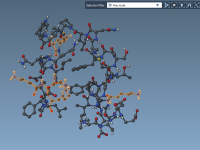
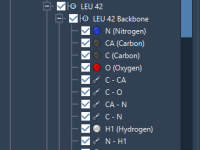
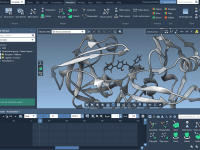
You type LYS into a molecular model’s filter, press Enter, and expect to select five lysine residues. Instead, the selection summary reports 15 nodes. It can look like a mistake—but the filter may be matching names across the molecular hierarchy,…
When a molecular project contains many conformations, locating the paths worth inspecting can become a small but persistent bottleneck. A long list makes it harder to focus on the structures relevant to a particular analysis. In SAMSON, Node Specification Language…
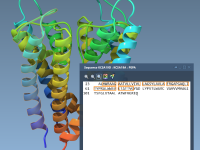
A molecular structure can be easy to inspect in 3D and still be difficult to reason about residue by residue. You may know which part of a protein sequence matters, but finding that same residue in a crowded structure can…
In a large molecular model, the side chain you want can be easy to lose among thousands of atoms and groups. Maybe you are checking residues with a particular name, narrowing attention to groups with certain atom counts, or reviewing…
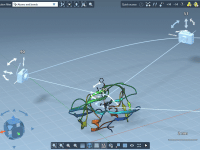
When preparing a molecular presentation, it can be difficult to show how a group of atoms or a mesh relates to a receptor without moving the receptor itself. A static view may hide the spatial relationship; moving everything together can…
A molecular model can look right in your workspace and still cause friction when it is time to share it. A collaborator may need a particular file format, a downstream tool may expect a different one, or you may simply…
A molecular modeling session can quickly become difficult to manage: several structures are open, supporting files live in different folders, and it is no longer obvious which parts of the project belong together. That creates friction when switching tasks, revisiting…
Keeping up with new software features is a familiar problem for molecular modelers. You may want to learn a better way to inspect a structure or make a figure, but watching a full-length webinar—or pausing a project to explore every…
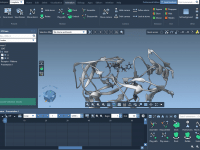
A molecular animation can look correct while you are editing it, then feel inconsistent when you scrub the timeline or export the movie. The camera may no longer point where you expect, a structure may appear or disappear at the…
A molecular scene can contain exactly the information you need and still be difficult to read. When several models, meshes, or labels compete for attention, abruptly hiding one may make the transition feel confusing: viewers can lose track of what…